
Posto can automatically remove the final paragraph of a forwarded post if it contains a link or @username. This is useful when you move publications from other channels and do not want to keep the source credit.
Select the posts in another channel and send them to the bot. They will appear in Posto without the credit.
When the bot does not remove the final paragraph
- The final paragraph does not contain a link or @username.
- The Repost option is enabled.
- You are creating a Rich Message.
- You are publishing media with more than 1,024 characters of text.
- The credit is the only paragraph in a text post. The bot will keep it so the post does not become empty. If the credit is the only paragraph under a media file, the bot will remove the paragraph but keep the media.
- The link or @username is in the middle of the post. The bot checks only the final paragraph.
How to remove source credits automatically
Option 1: create a template.
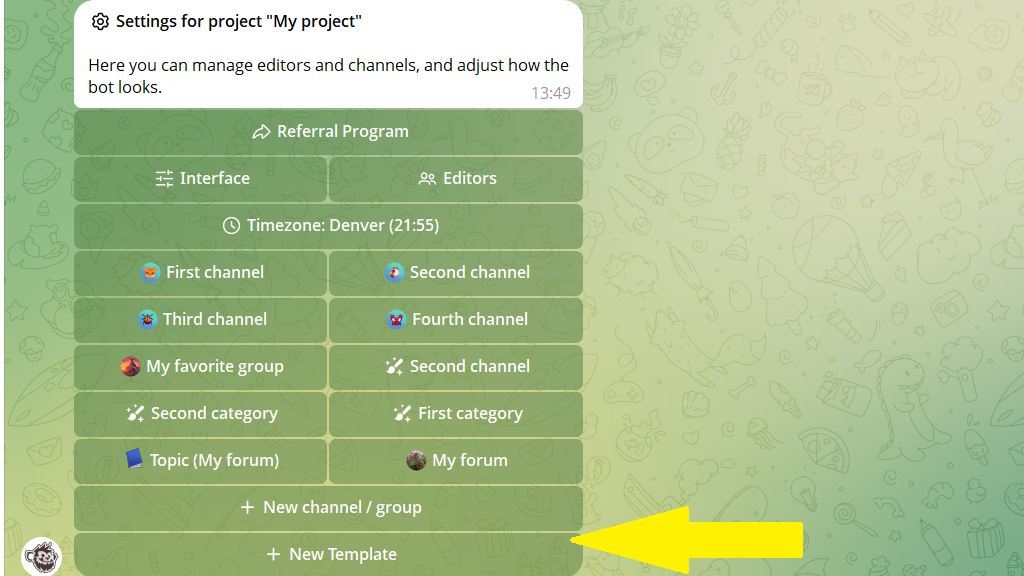
1. Open Settings and tap New Template.
2. Select the channel you are creating the template for.
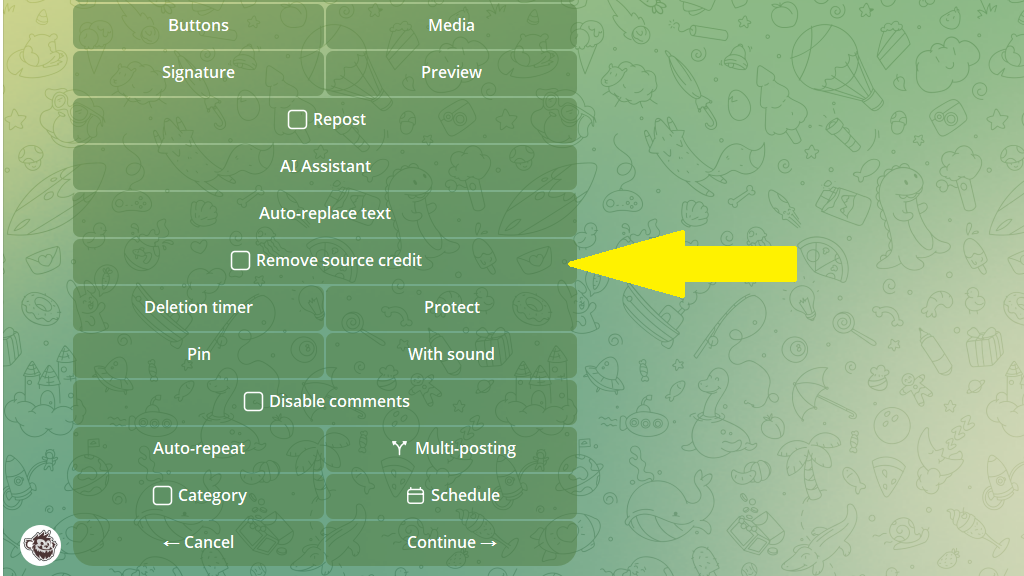
3. Turn on Remove source credit and save the template.
Option 2: enable credit removal in the channel's default settings.
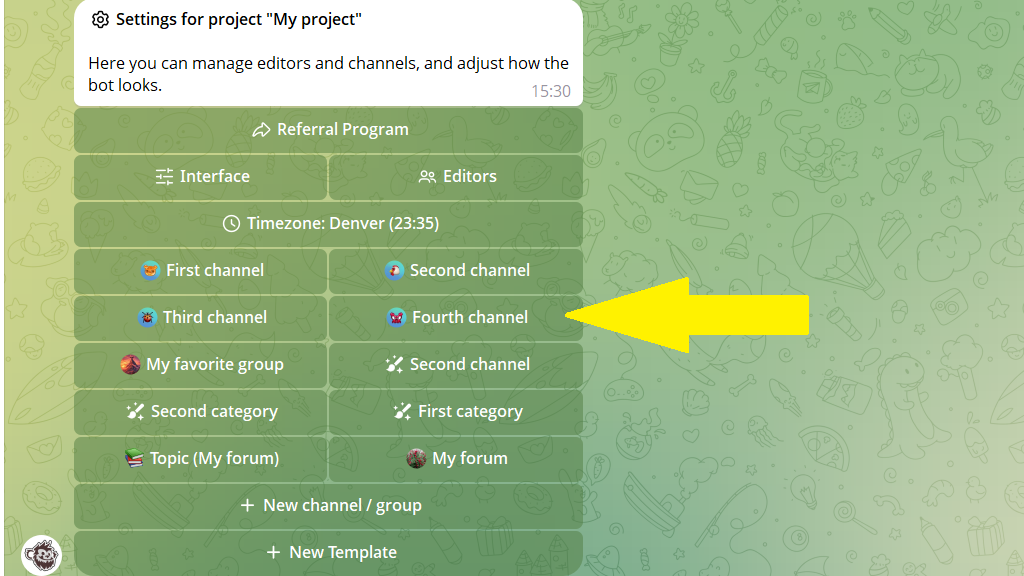
1. Open Settings and select the channel.
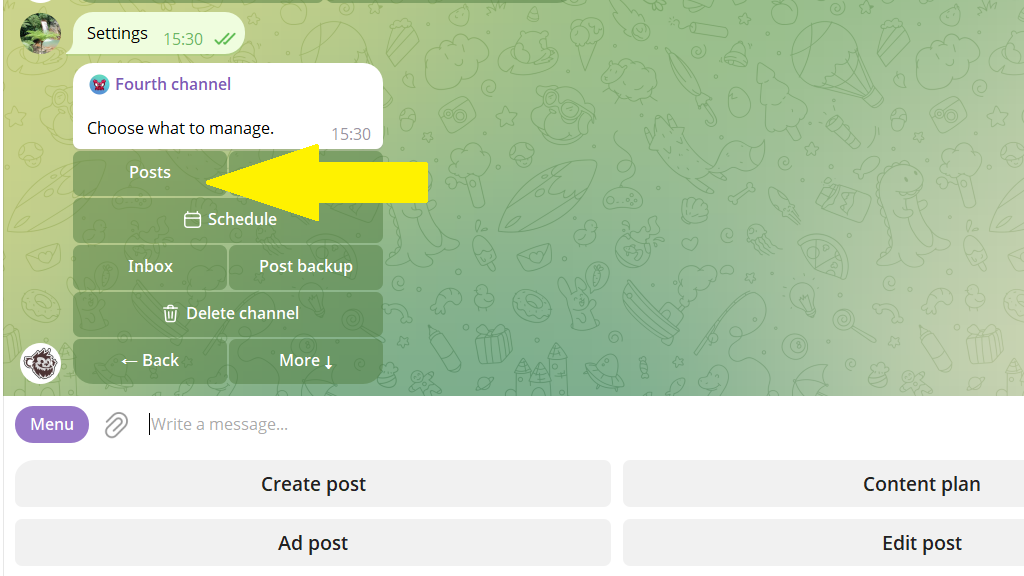
2. Tap Posts.
3. Tap Remove source credit, then Save.
That's it. When you forward posts from other channels to the selected channel, the bot will automatically remove the final paragraph if it contains a link or @username.
