
A repost lets you publish a post from another channel in your own, keeping the source. Subscribers see a "Forwarded from..." label with the name of the channel the post came from.
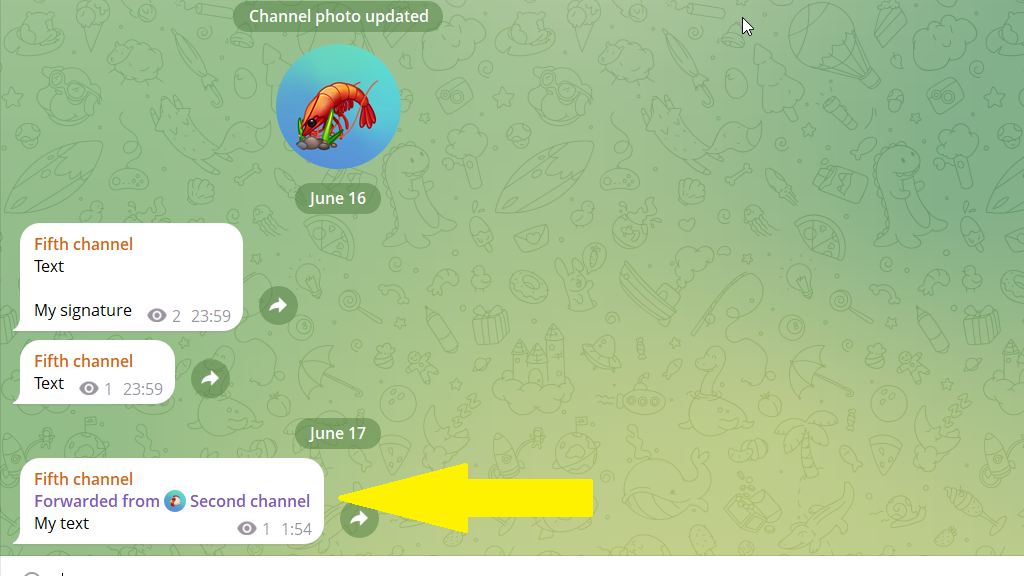
How to make a repost
1. Open the post editor.
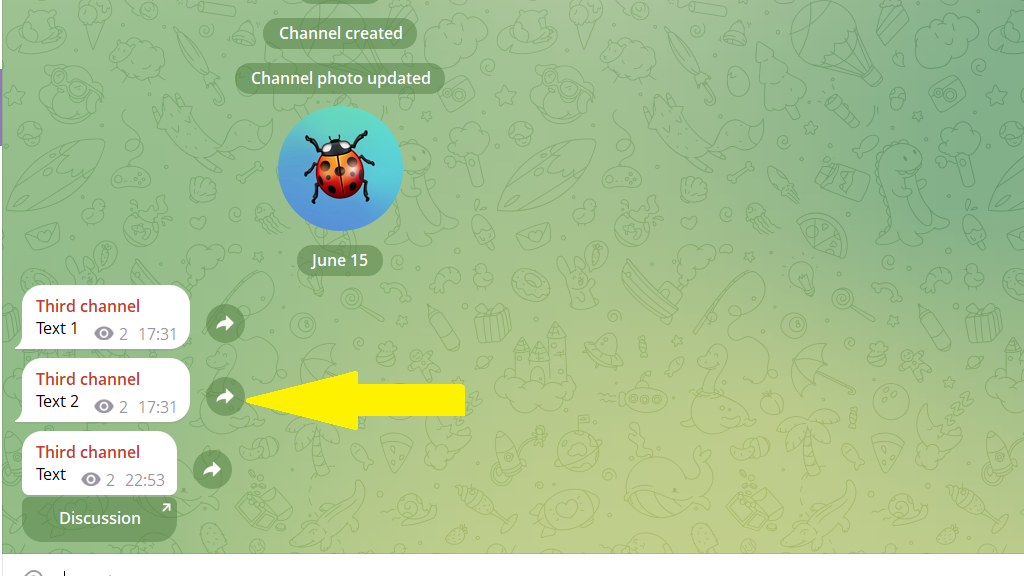
2. Go to the other channel, choose the post you want to forward, and tap the forward icon.
3. Forward this post to Posto, then tap Repost.
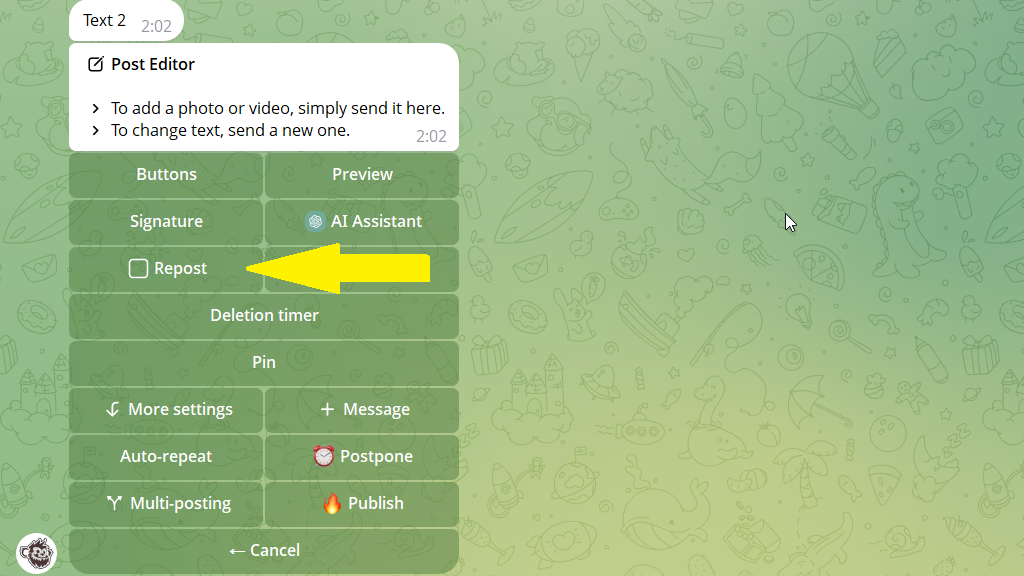
4. Publish or schedule the post. It will go out as a repost.
