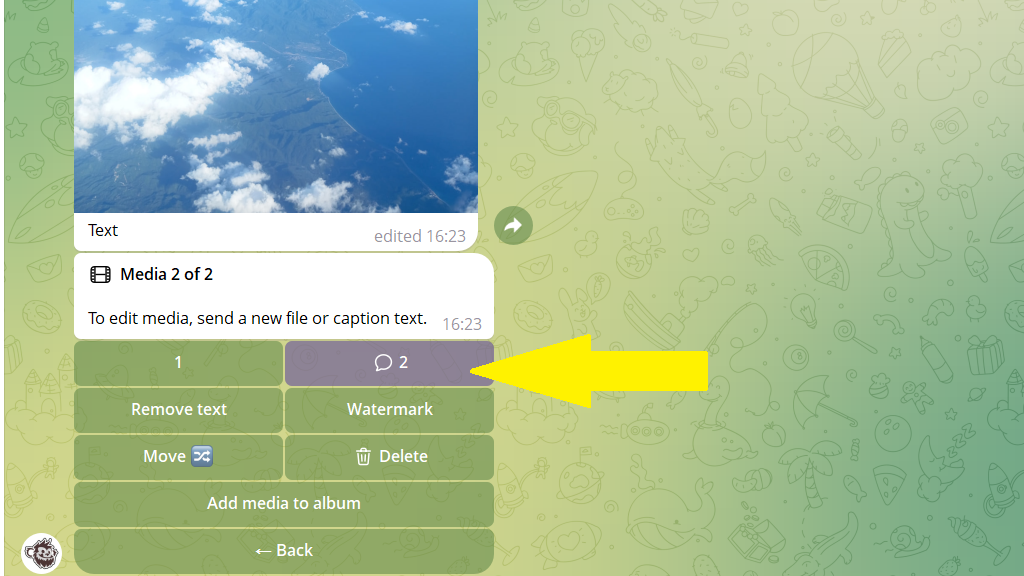
Posto makes publishing a post with a photo or video as simple as possible. You don't need to go into any special sections — you can add a media file right in the post editor.
- Open the post editor. To do this, tap
Create postin the bottom menu or send the/newpostcommand.
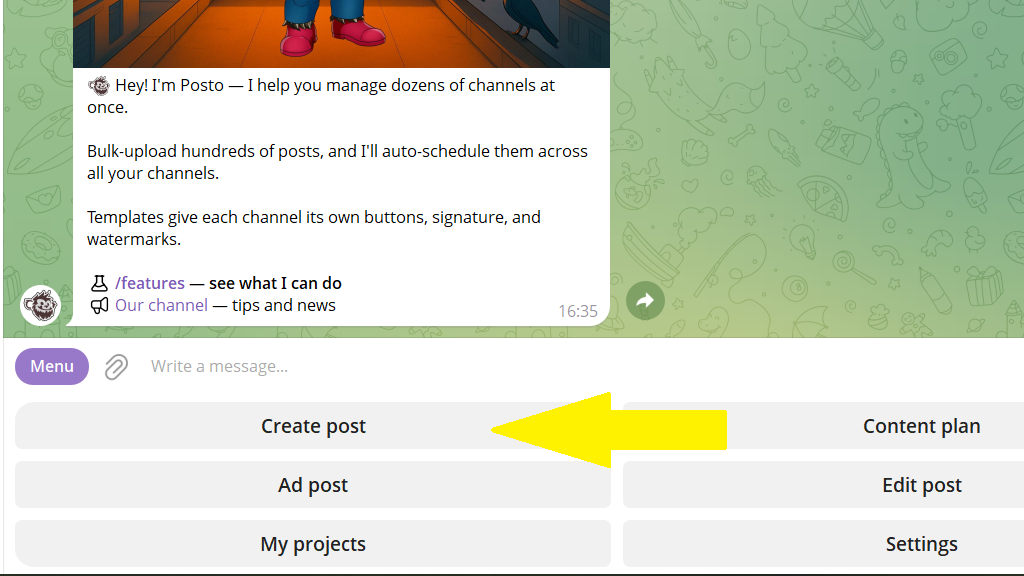
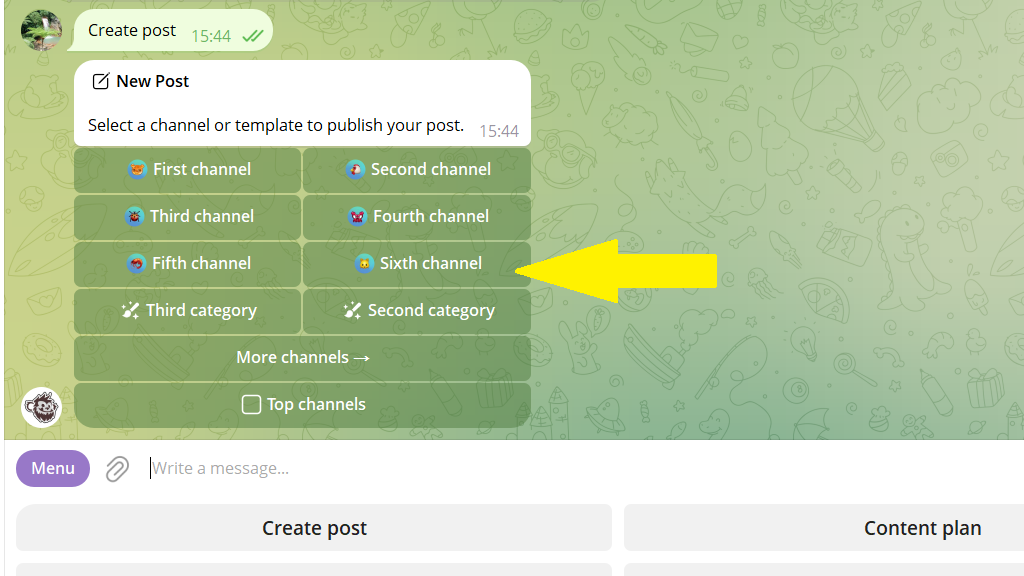
2. Choose the channel where you want to create the post.
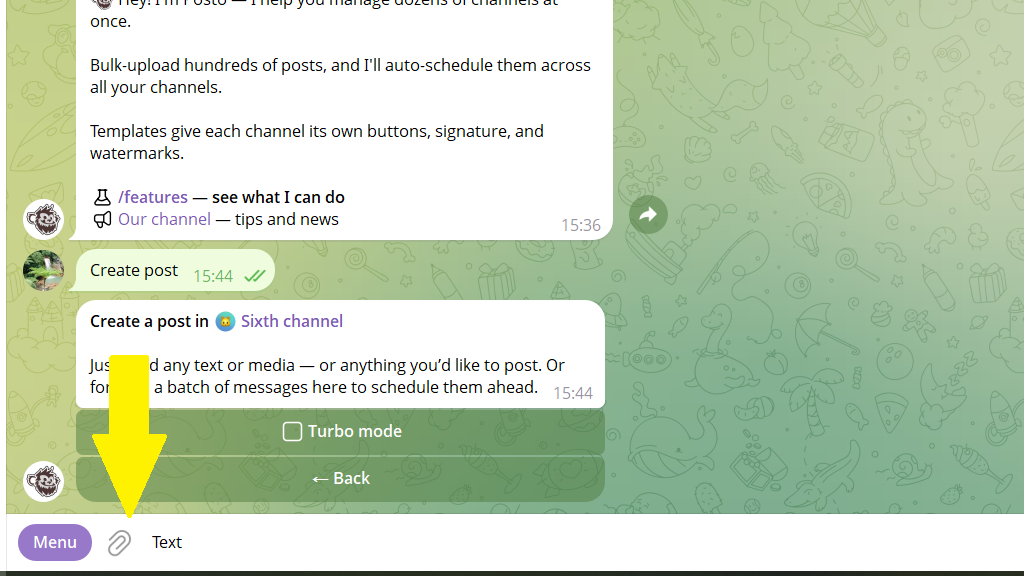
3. Send the bot your content. It can be:
- text + 1 photo
- text + an album of several photos
- text + 1 video
- text + an album of several photos and videos
- just a photo or just a video
In any case, tap the paperclip icon and choose the media file (or files) you need.
4. Choose whether to publish the post right away or schedule it for later.
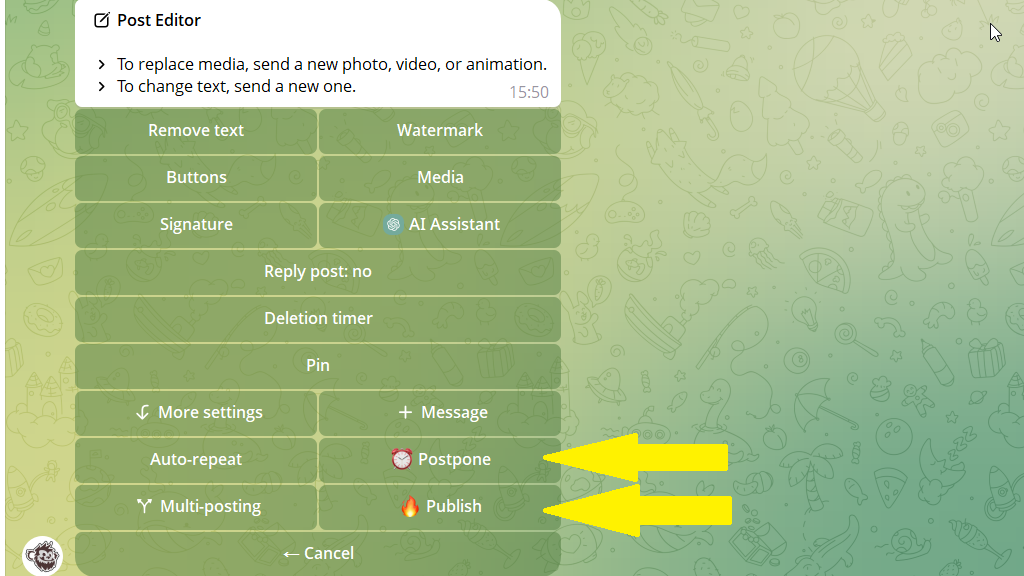
How to change a media file
If you decide to swap a media file for another one, just tap the paperclip icon and send the new one.
If you sent the bot an album, an Album button appears in the post editor. Tap it to edit the media.
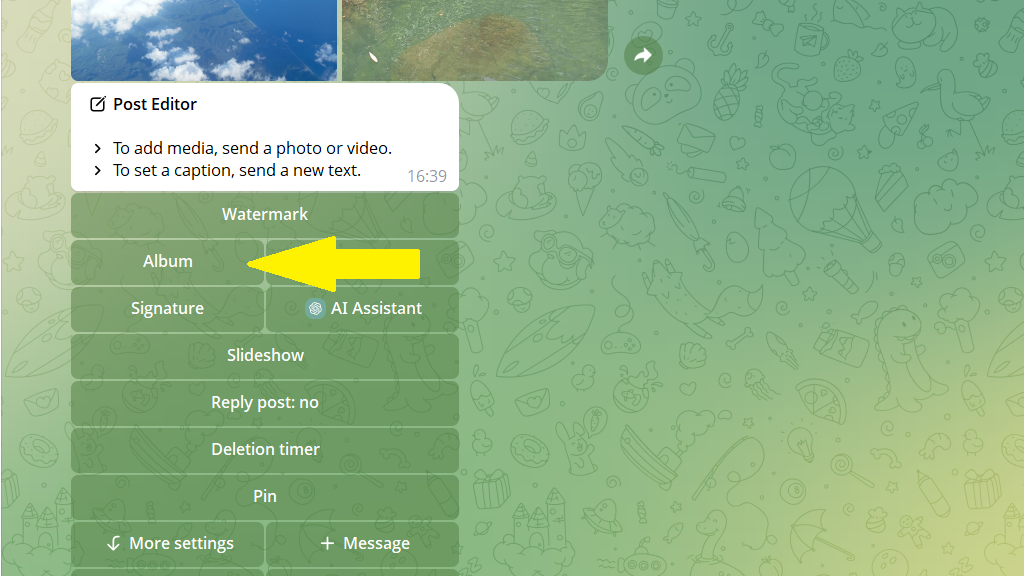
Switch between media files in the selection bar to make changes:
- apply a watermark
- delete an extra media file
- add a new media file to the album
- reorder the media in the album
- delete or change the text