
The auto-delete timer lets you set in advance when a post will be automatically deleted from the channel.
You can set the timer for an already published post or for a scheduled one.
Deletion is available within 48 hours of publishing. If you set a later time, the bot will send a reminder to delete the post manually.
How to set an auto-delete timer
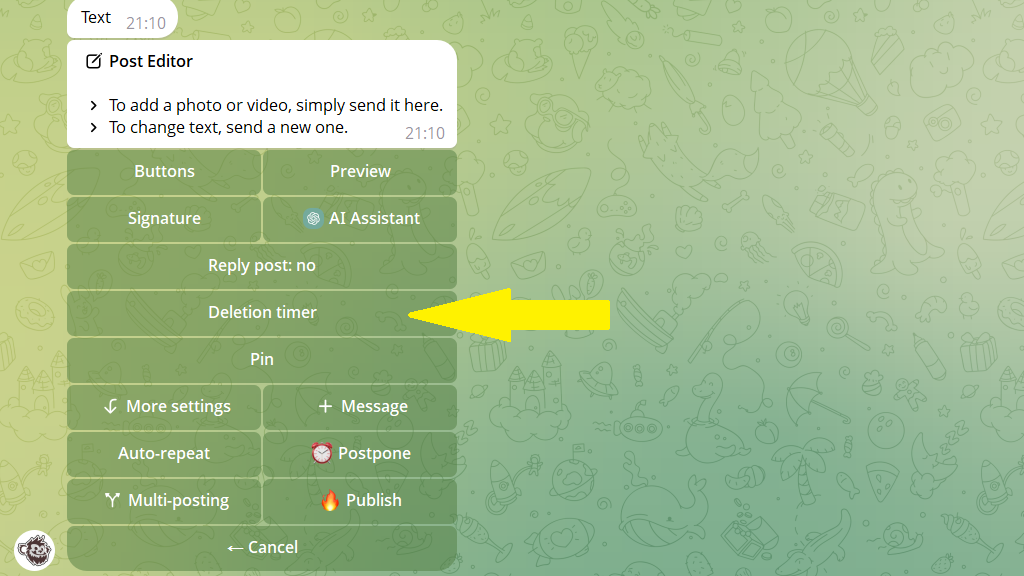
1. Open the post editor.
2. Tap Auto-delete timer.
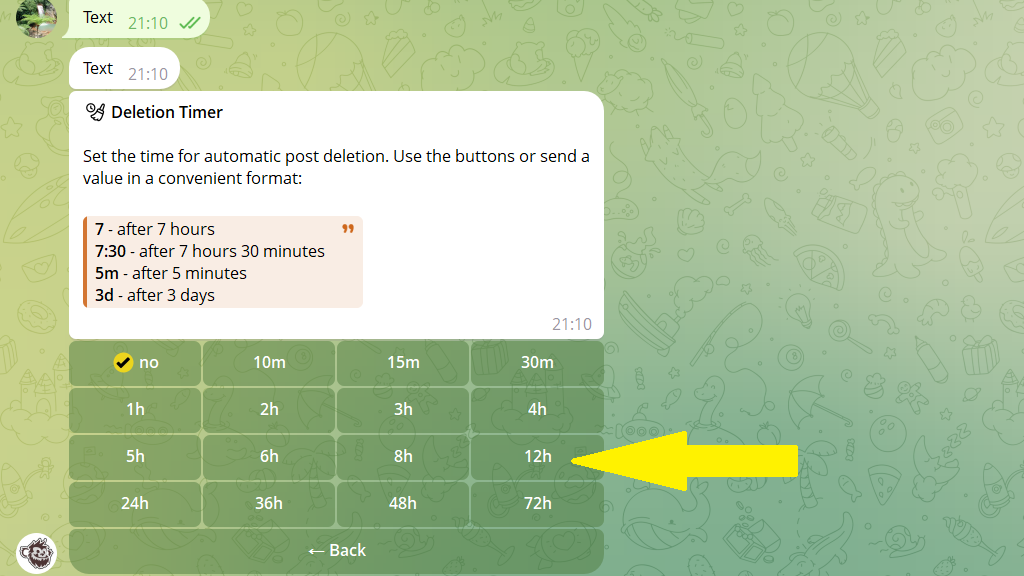
3. Then enter a time or choose one from the table. For example, if you choose 12h, the post will be automatically deleted from the channel 12 hours after publishing.
4. Publish or schedule the post.
