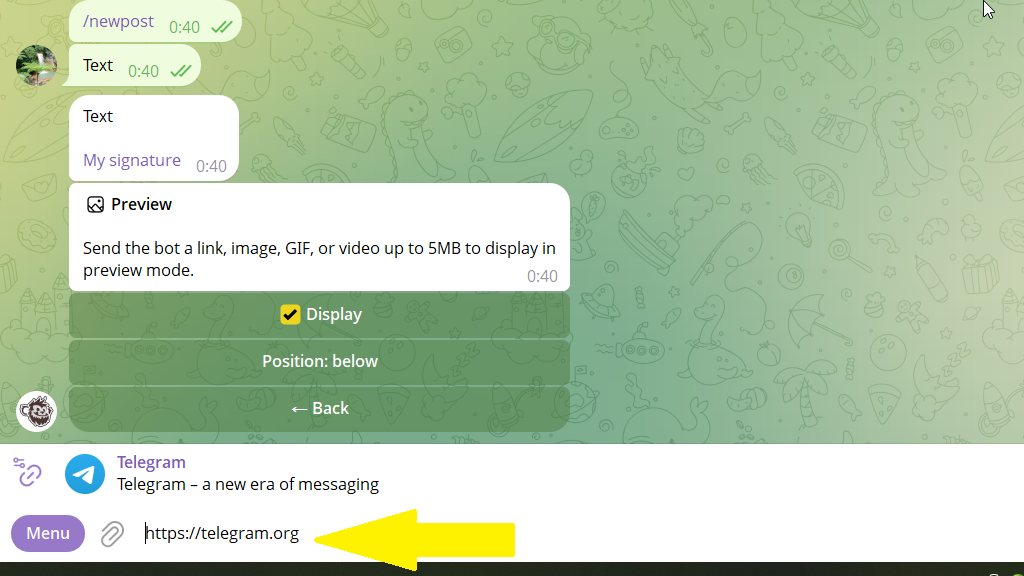
A link preview shows what's behind a link: the title, description, and image from the page.
In Posto, you can control this preview: remove the URL from the text, add your own media, and change the card's size and position in the post.
When you need a preview:
Case 1: hide a hyperlink
Without the "Preview" feature, the post text shows a hyperlink, for example:
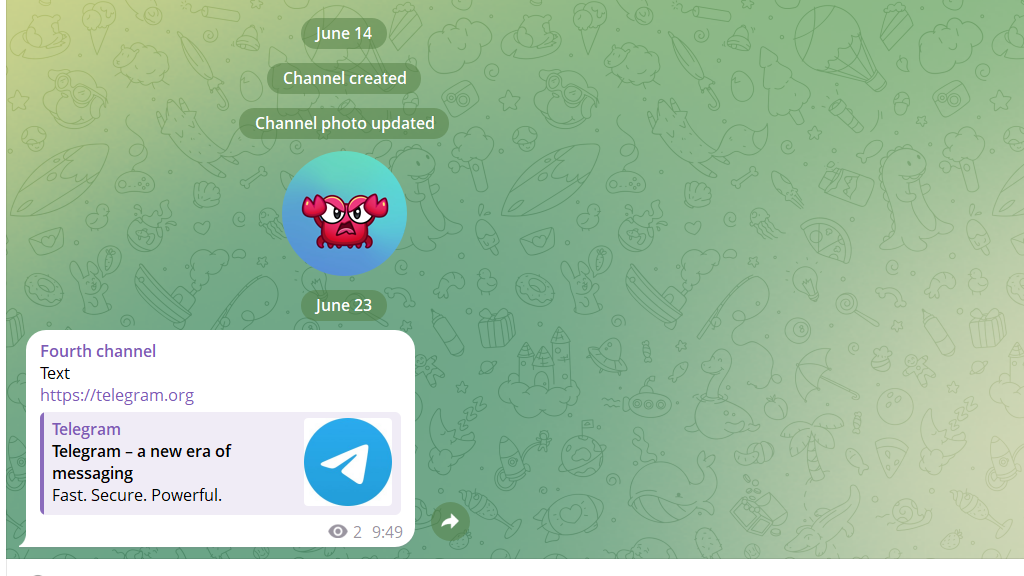
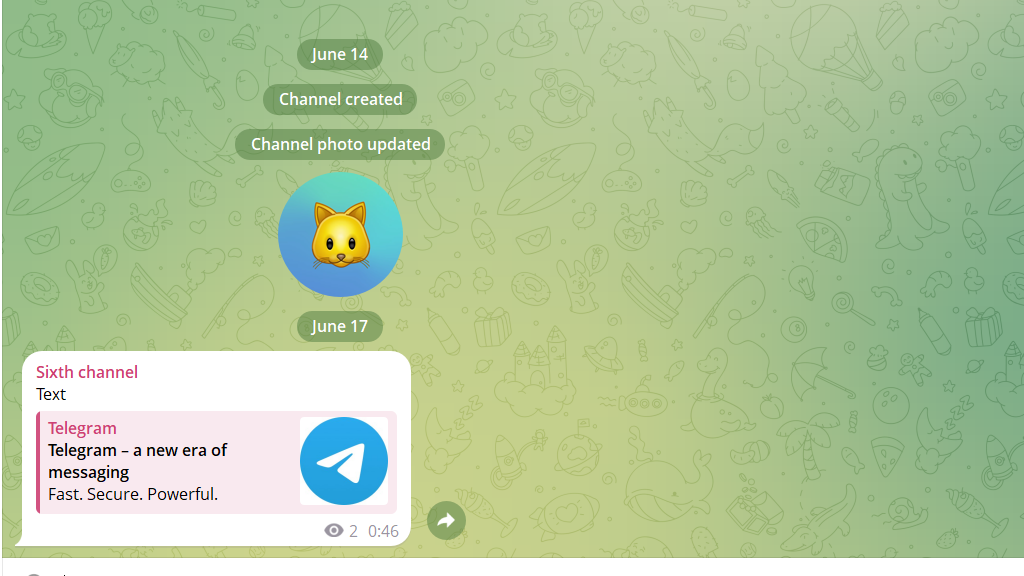
With the bot, you can hide the hyperlink, so only the text and the card are visible:
Case 2: add your own media
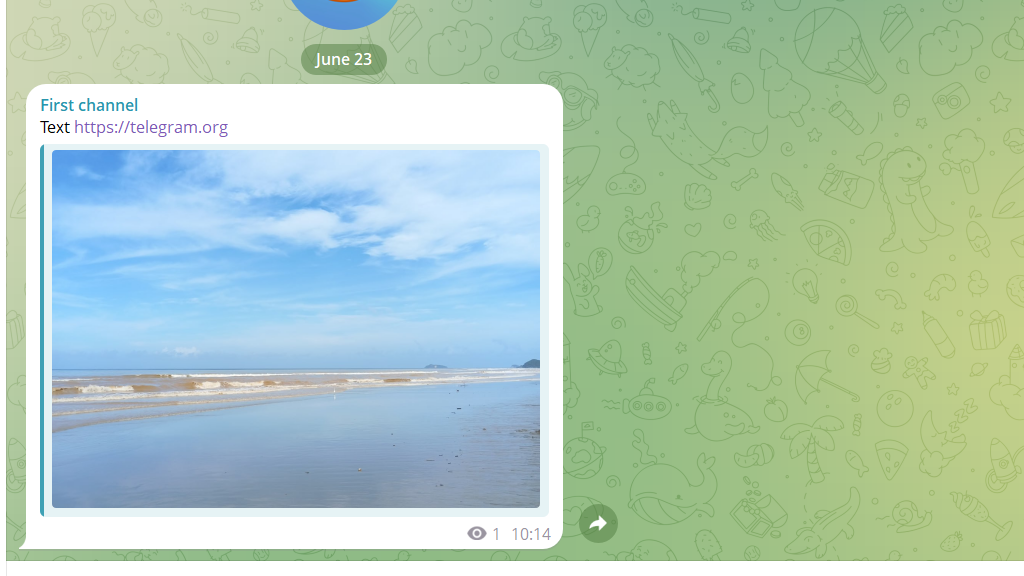
You can place a hyperlink in the text, then go to the "Preview" section and send the bot a photo, GIF, or video up to 5 MB. Then the post has one hyperlink and a different image beneath it.
Case 3: a long post with media
A preview lets you create longreads with a picture. A post with a regular picture has a text limit of only 1,024 characters, but with a preview it's up to ~4,090. That's why people use a preview when they need both a large image and a lot of text.
How to create a preview
- Open the post editor.
- Tap
Preview.
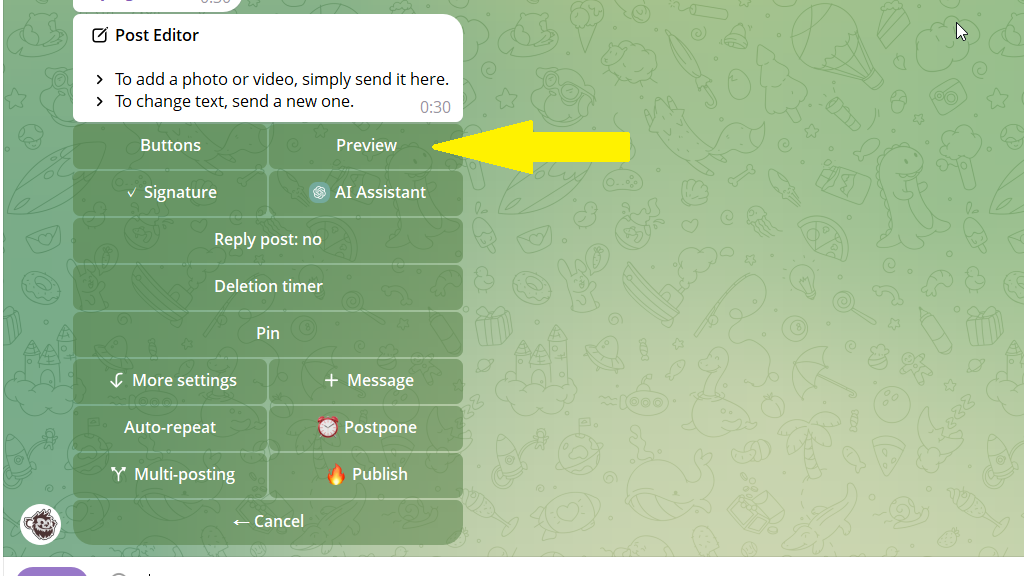
3. Send the content you want shown in preview format.