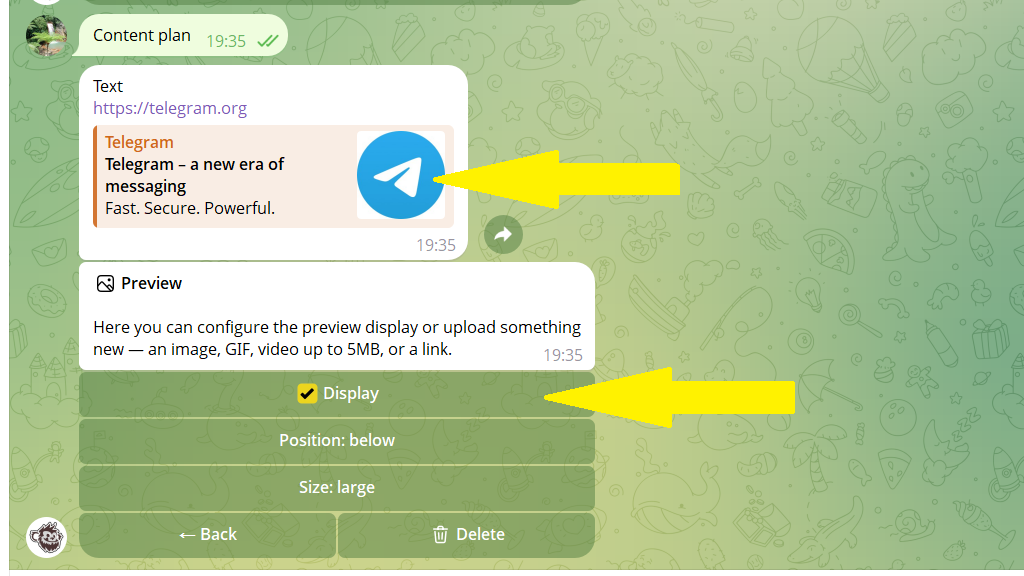
If a post has a link, you can change or remove it. You can also turn the link preview on or off.
This works for both published and scheduled posts.
To change a link or its preview:
1. Open the post editing menu.
2. Tap Edit.
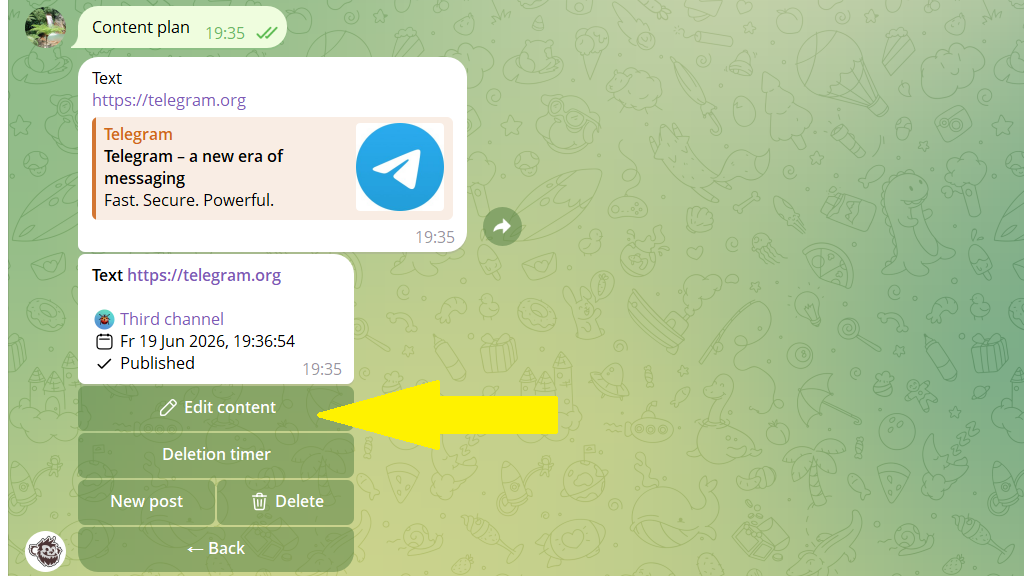
3. Tap Link.
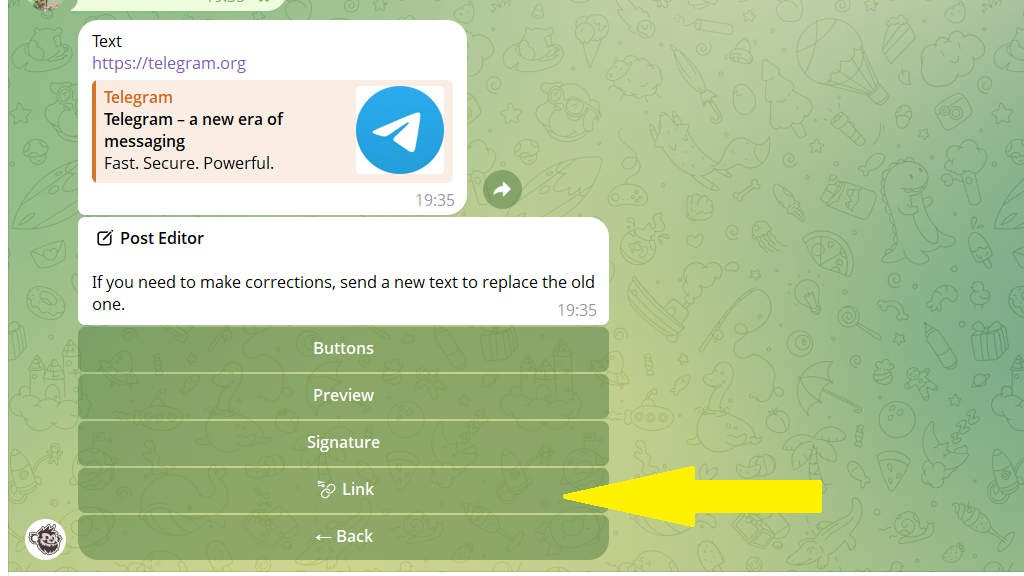
4. Send the new link and save your changes.
If you want to hide the link preview, tap Don't show.