
The deletion timer lets you set in advance when a post will disappear from the channel.
After setting it, you can change the time or turn the timer off. If the post isn't published yet, you can add the timer in the scheduled post's settings.
To change the deletion timer:
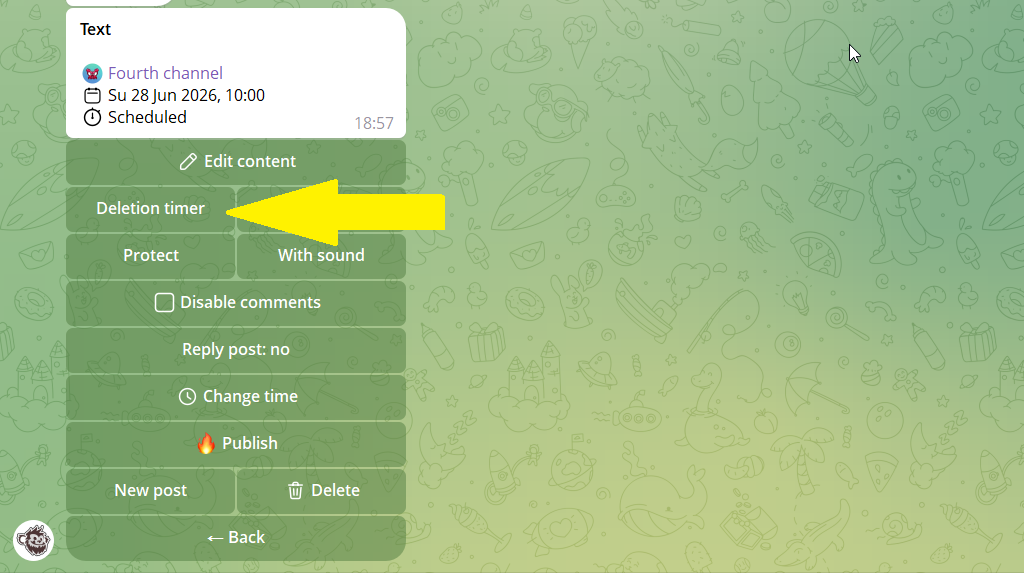
1. Open the post editing menu.
2. Tap the deletion-timer button.
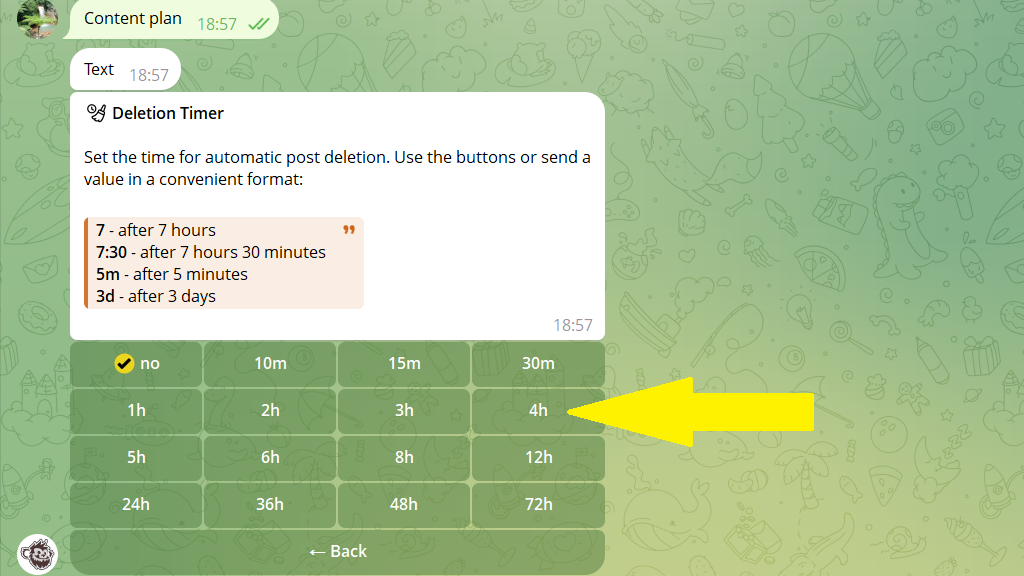
3. Set how long until the post should be deleted from the channel.
4. Save your changes.
