
You can edit the buttons under a post at any time: add, change, or remove them. For example, you can pick a different color, change the button text, or replace the link.
This works for both published and scheduled posts.
To change a button's options:
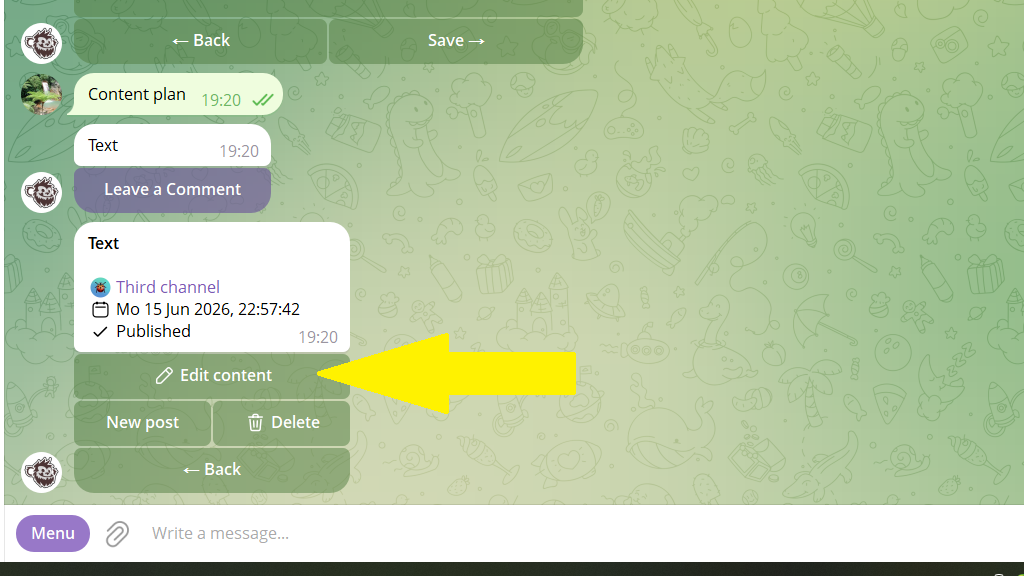
1. Open the post editing menu.
2. Tap Edit.
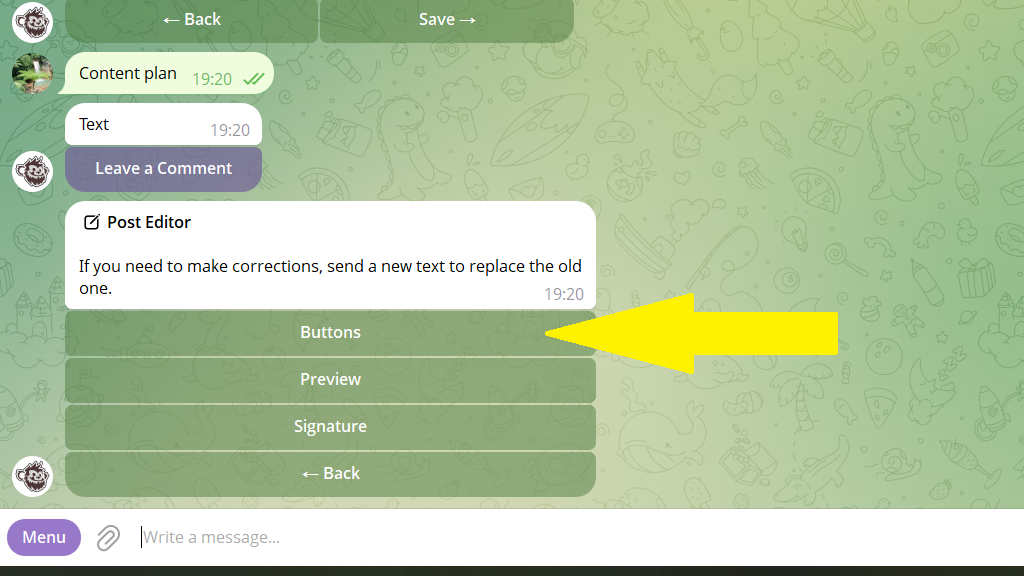
3. Tap Buttons.
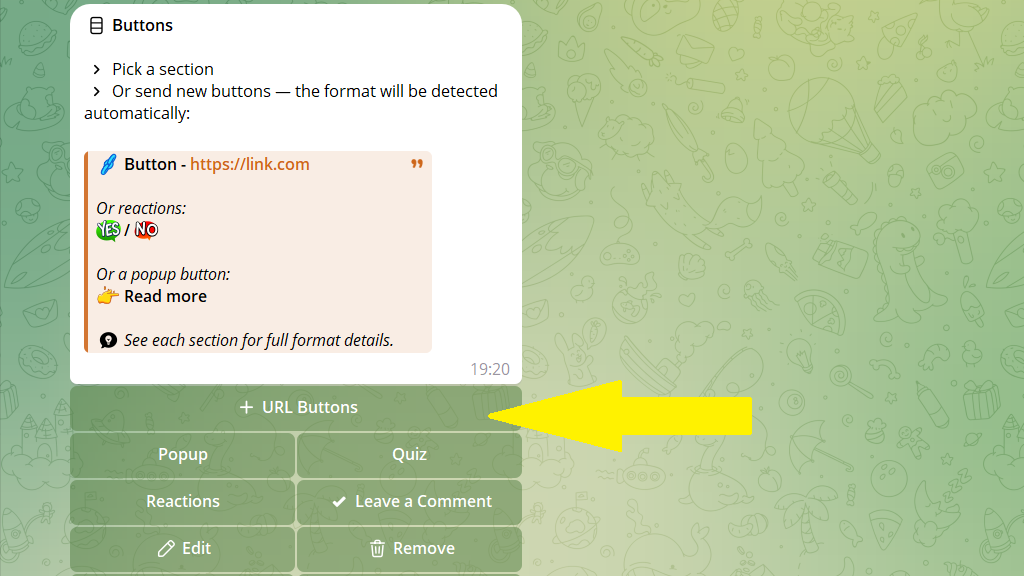
4. Choose what you want to do — add, change, or remove a button.
5. Save your changes.
