
You can randomize the order of scheduled posts in the Content plan using the Shuffle posts bulk operation.
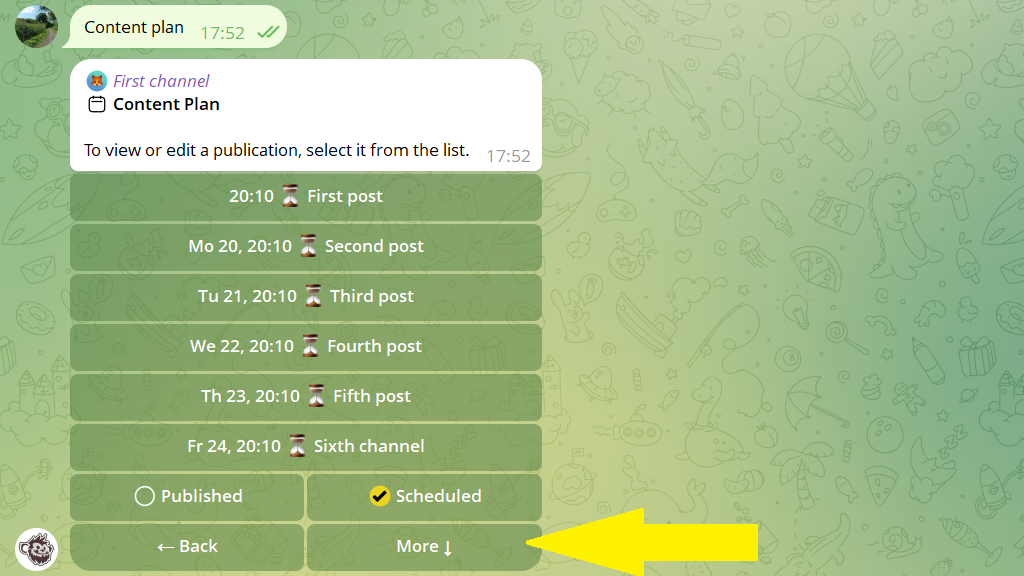
1. Open the channel's Content plan and tap More.
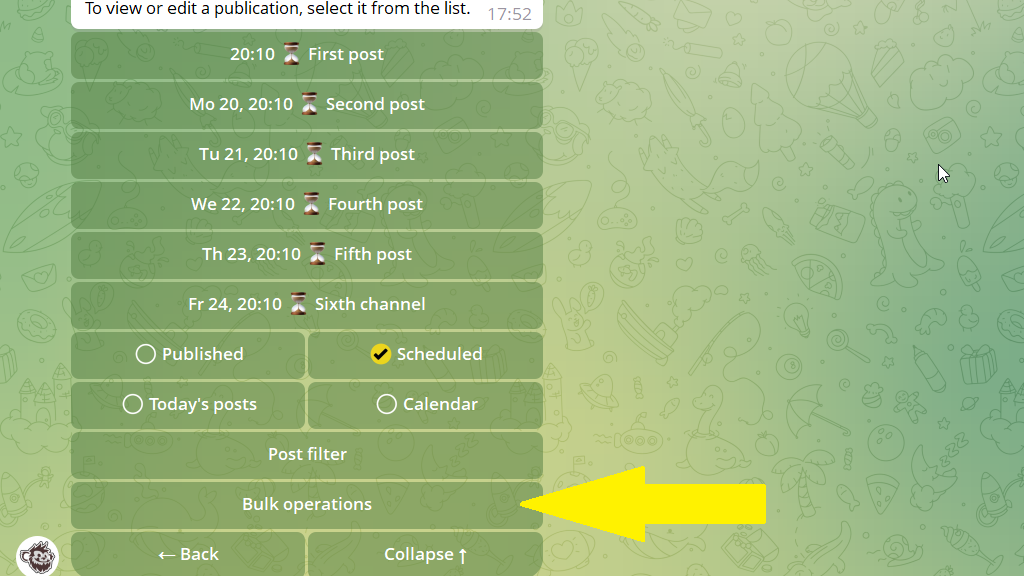
2. Open Bulk operations.
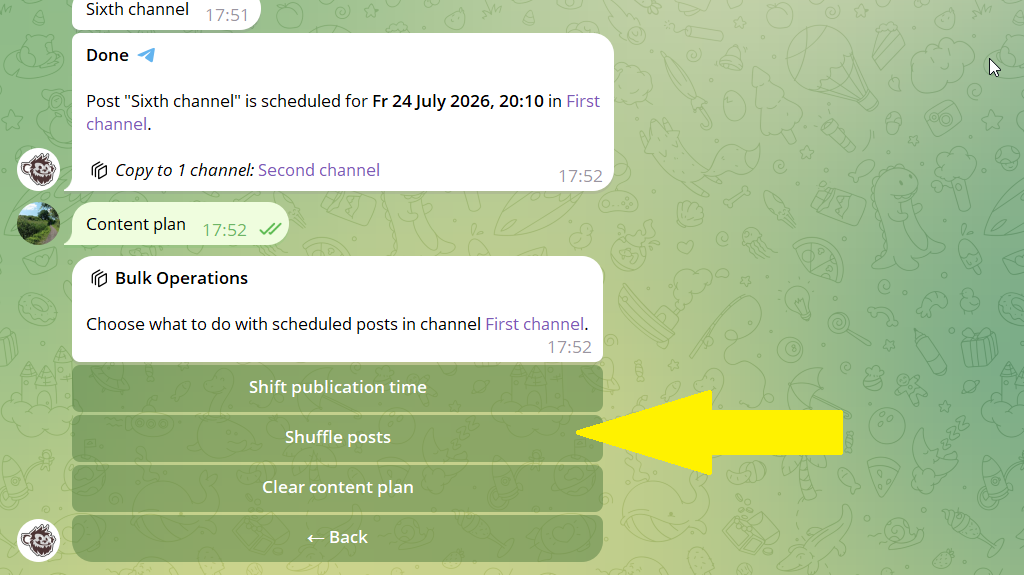
3. Select Shuffle posts and confirm the action.
That's it. The bot will randomize the publishing order of the scheduled posts.
