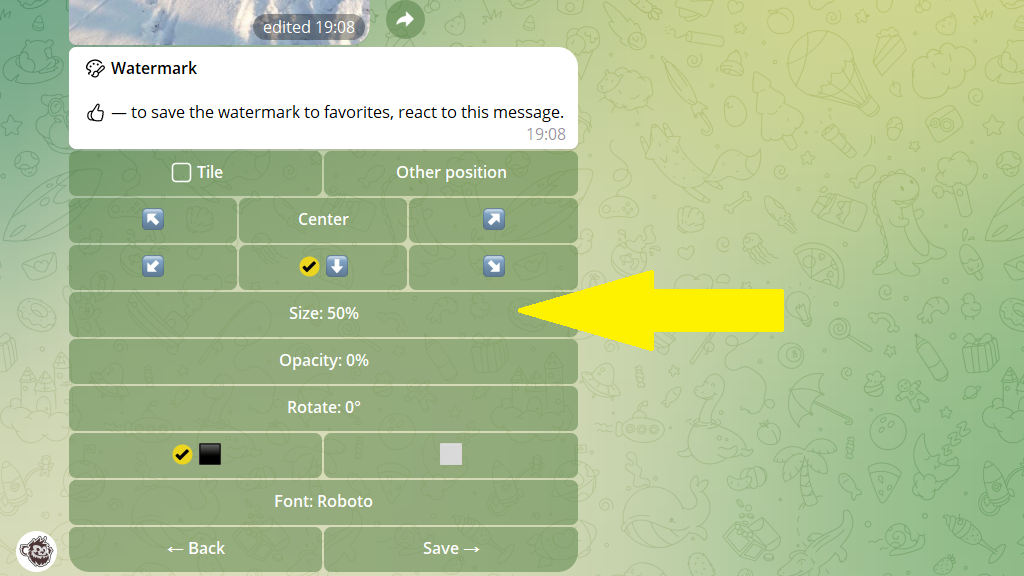
You can change a watermark after setting it up. For example, change its size, position, opacity, or other options.
This works for both published and scheduled posts.
To change a watermark:
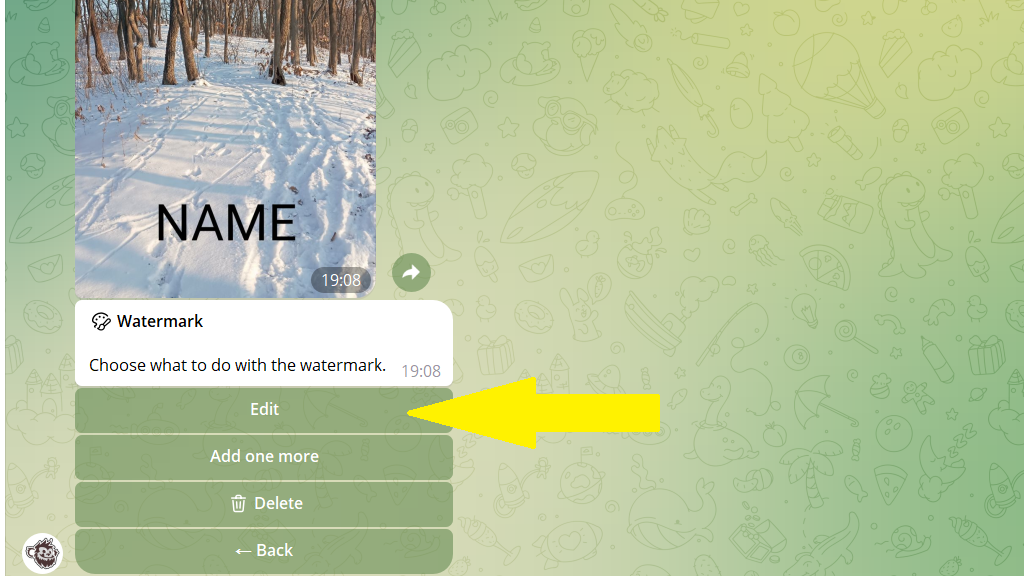
2. Tap Edit.

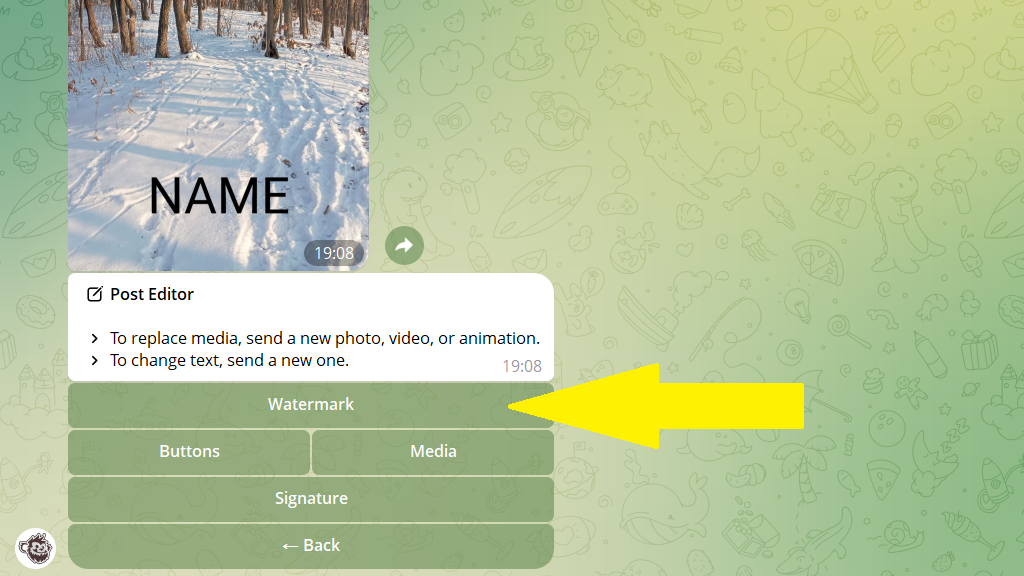
3. Tap Watermark.
4. Go to watermark editing.
5. Change the watermark's options and save your changes.