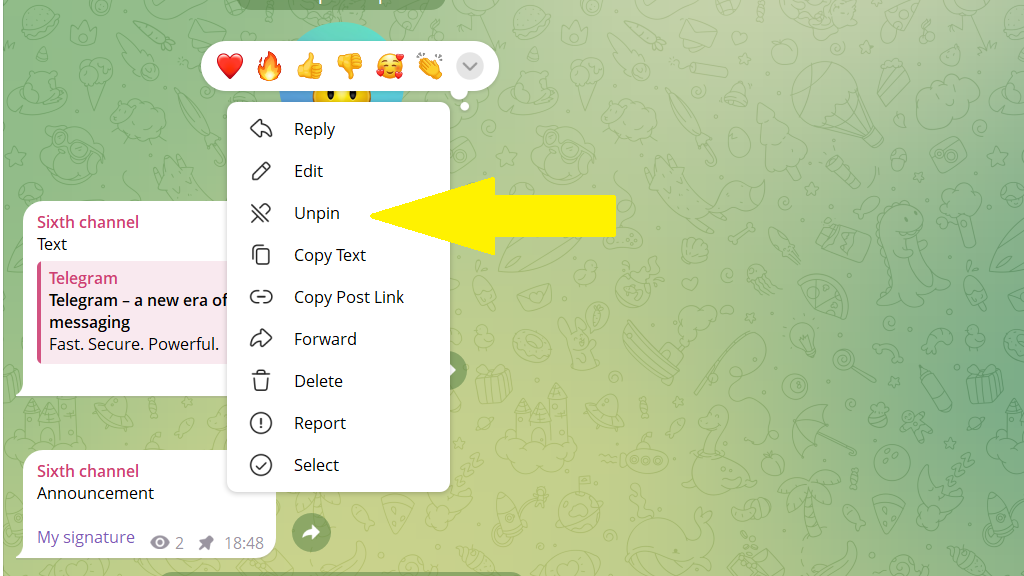
Pinned messages appear at the top of the channel, under its name. That way important information doesn't get lost among new posts.
In the bot, you can set how long a message stays pinned. You can change that period later: extend it, shorten it, or turn off unpinning.
To change the pinning options:
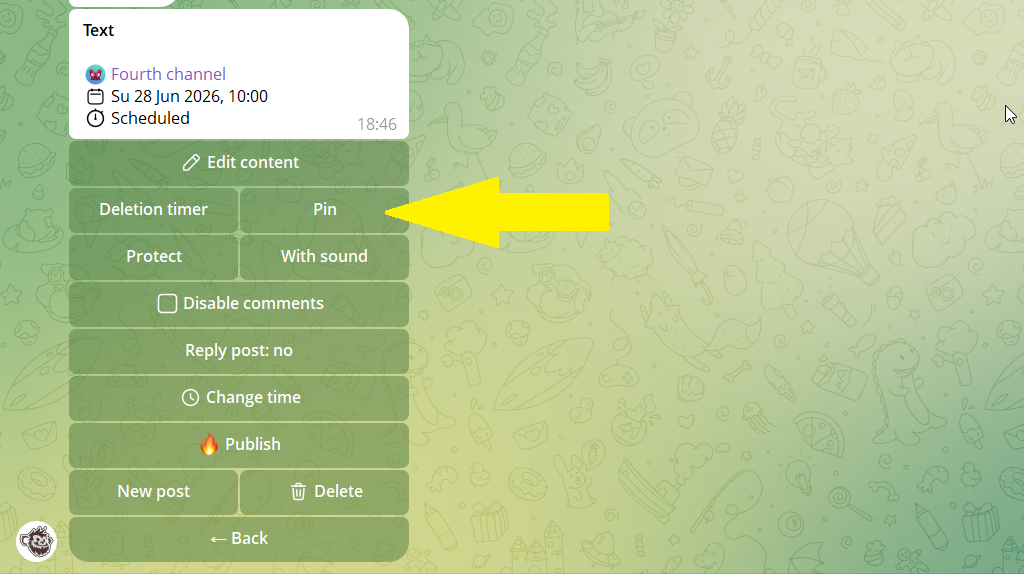
1. Open the post editing menu.
2. Tap the pin button.
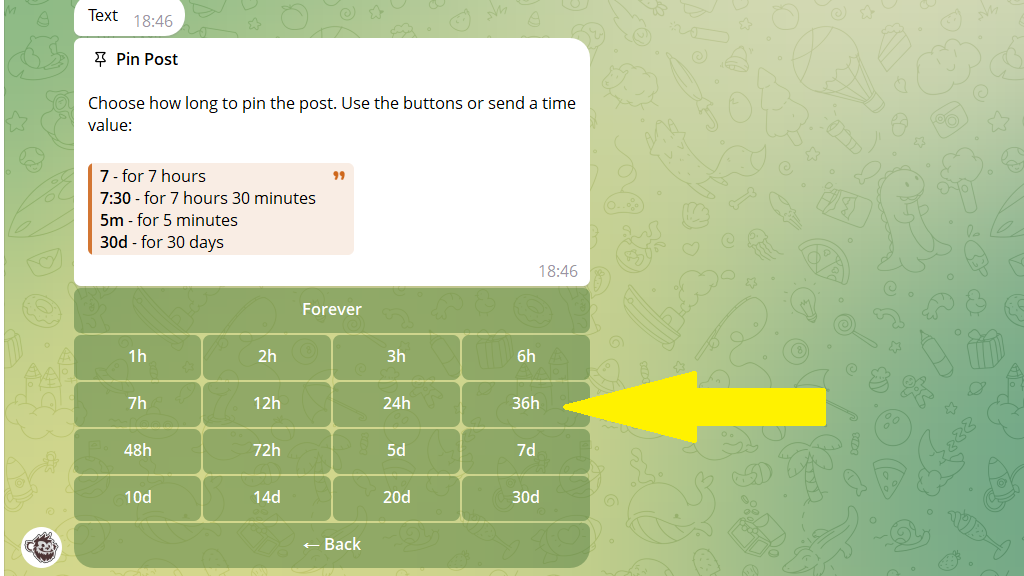
3. Set how long to keep the post pinned, and save your changes.
If the post is already published, you can only unpin it manually in the channel itself.