A post pinned at the top of the feed lets you keep important information in view at all times.
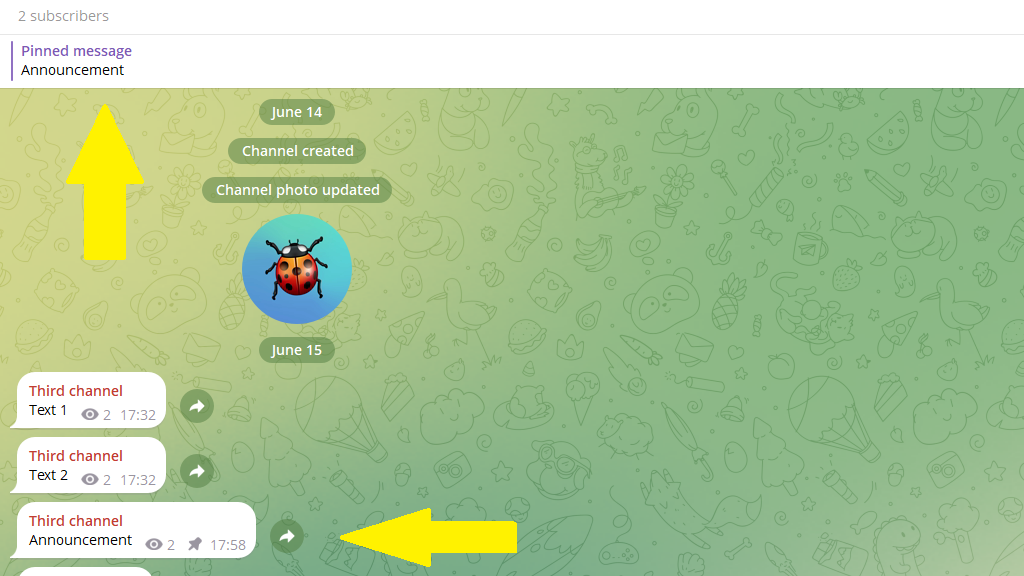
You can pin up to 100 posts in a channel or group — for example, the channel rules, key links, or a welcome message for new subscribers.
How to pin a post at the top of the feed
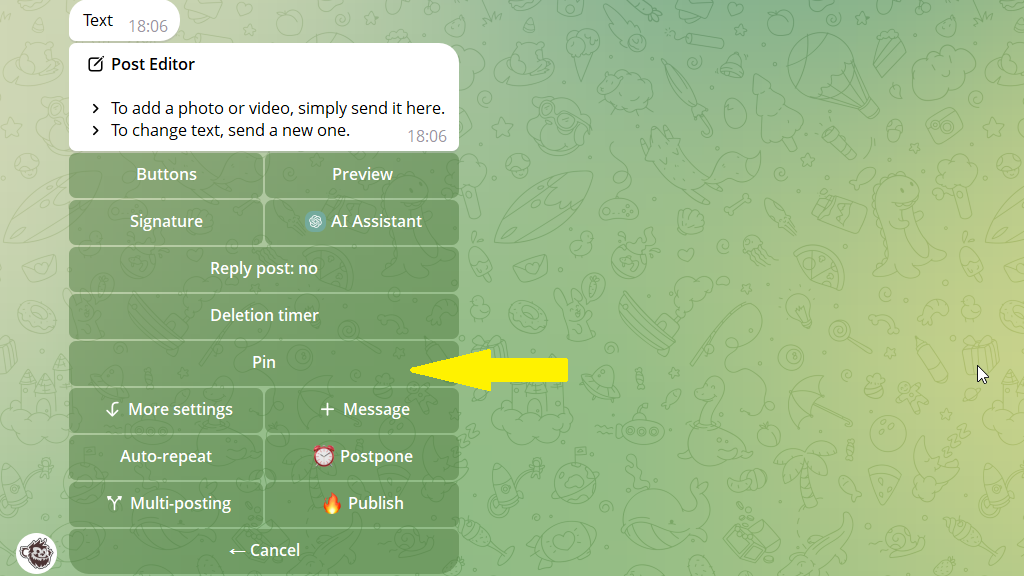
1. Open the post editor.
2. Tap Pin.
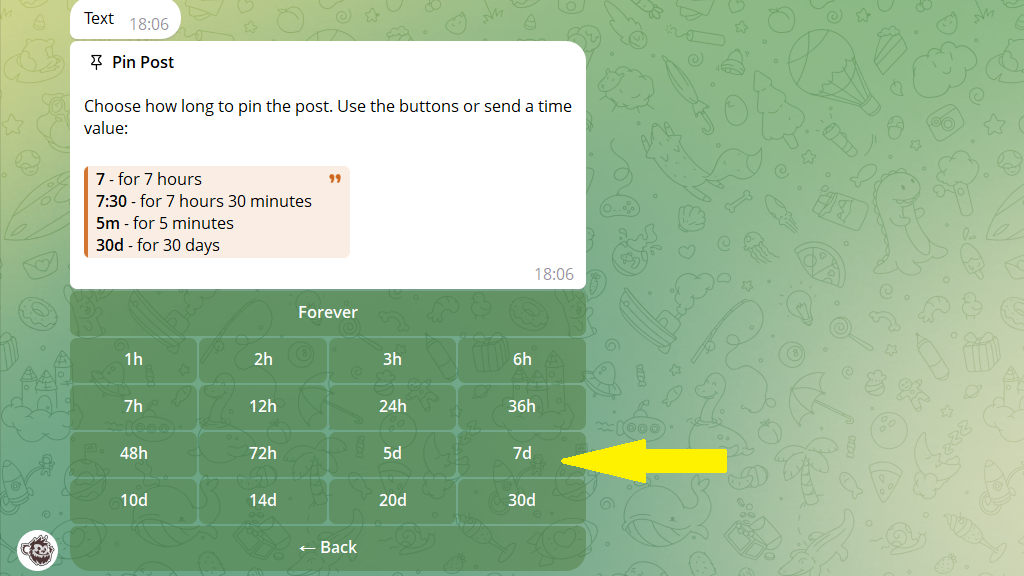
3. Set how long to keep the post pinned. When that time is up, the post stays in the channel but is no longer pinned.
You can enter the time by hand or choose it from the table. For example, say you want to pin the post for a week. Then tap 7d in the table.