
Multi-posting means publishing a post to several channels at once. And you can customize the post in each channel individually:
- signature
- buttons
- publication time
- watermark on photos or videos
- auto-delete timer, pinning, and more
How to select several channels
- Send the
/newpostcommand or tapCreate postin the bottom menu. - Choose the main channel to publish to.
- In the post editor, tap
Multi-posting.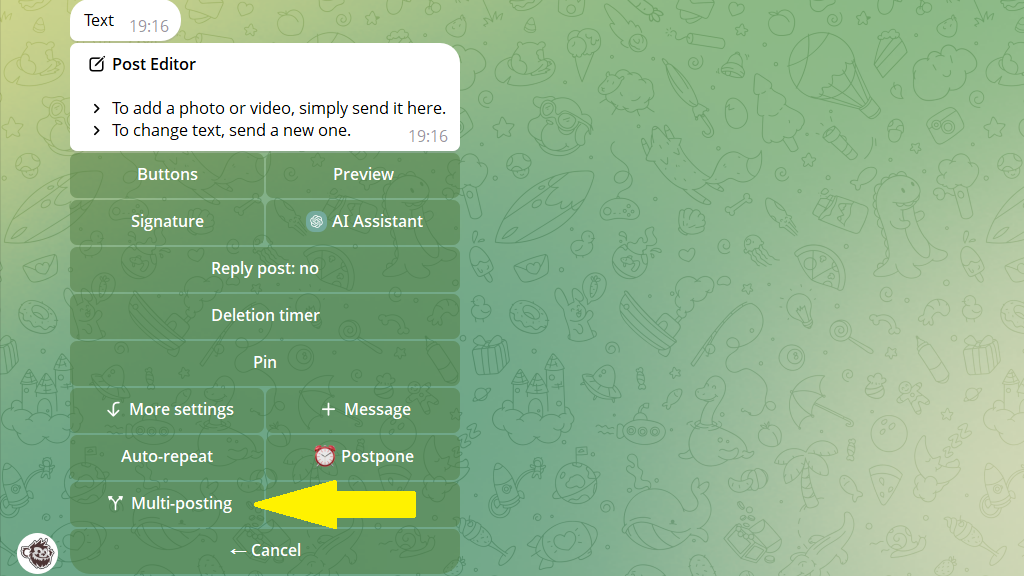
- Choose one or more additional channels.
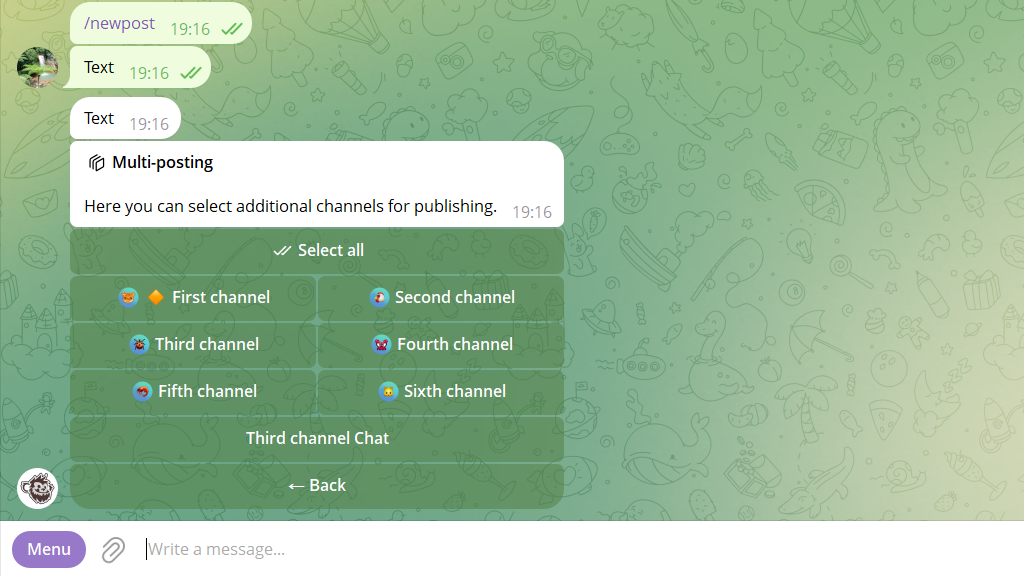
How to set individual settings for each channel
- In the
Multi-postingsection, tapMore→Edit for other channels.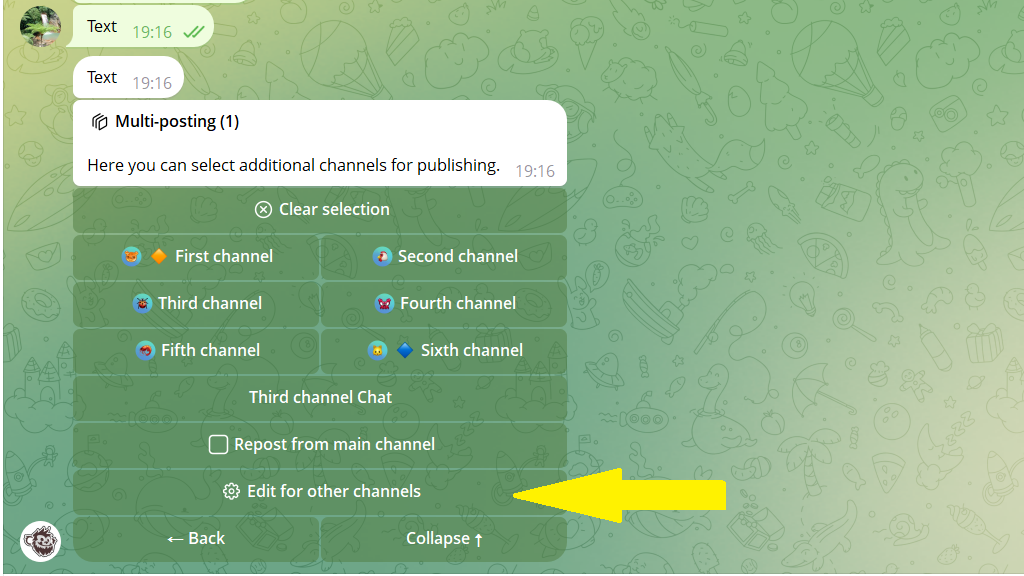
- The settings for the first of the additional channels you chose will open. Set its individual options, then switch to another additional channel.
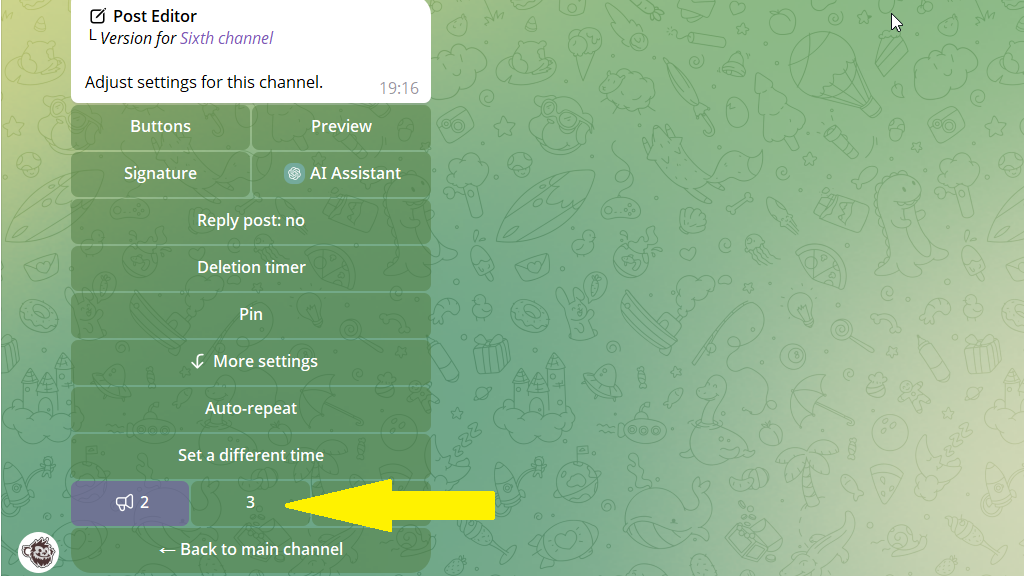
- Tap
Back to main channel, then publish or schedule the post. It will go out to several channels, each with its own settings.
