The channel signature appears at the bottom of every post. It usually contains a link to the channel, contacts, or other important information.
It helps you format posts in a single style and keep the source when reposting.
In Posto, you can save a signature once and then add it to posts in a single tap or automatically — so you don't have to type it by hand every time.
How to create a post with a signature
1. Open the post editor.
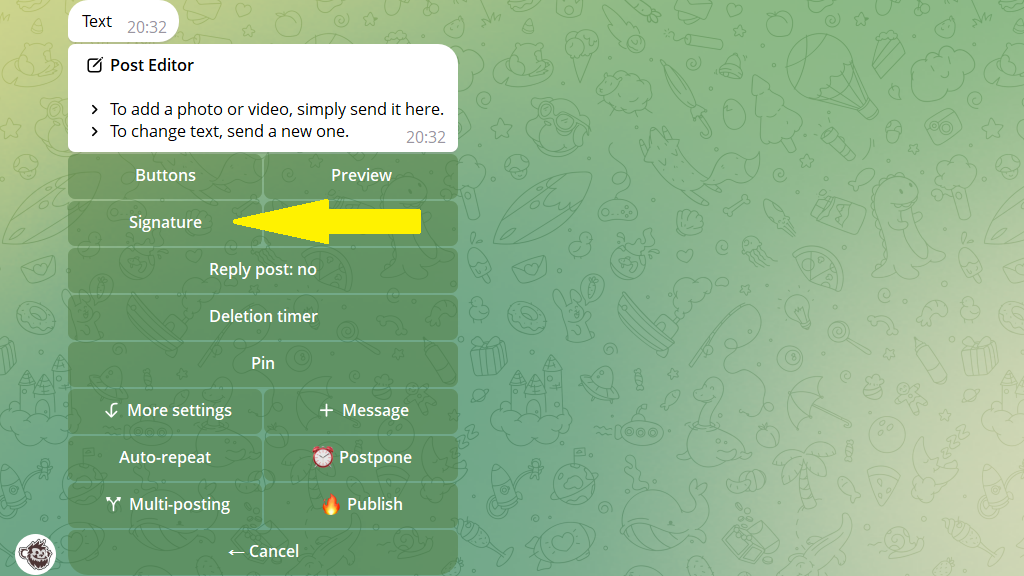
2. Tap Signature.
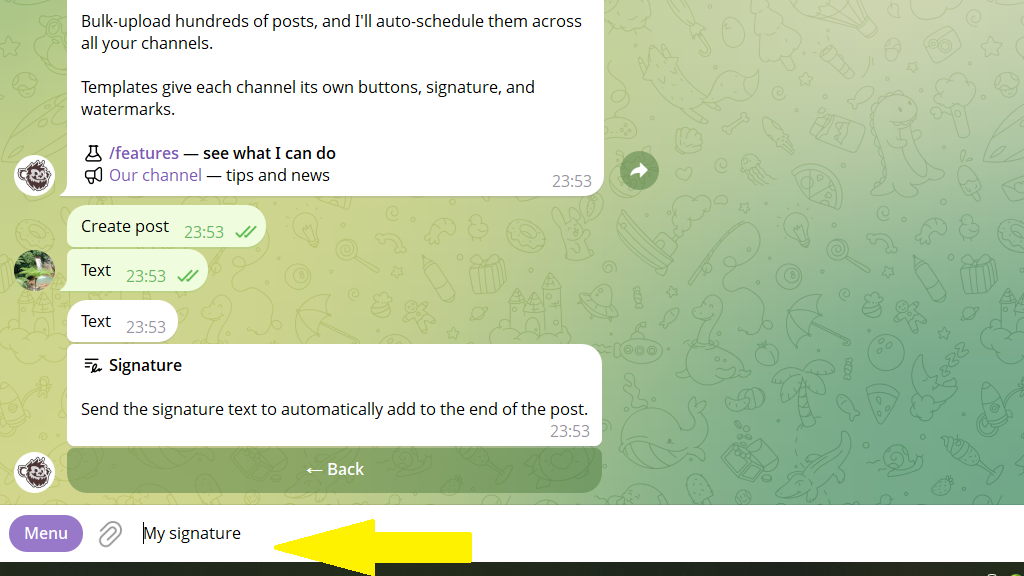
3. Enter the signature text or choose one from your list of saved ones.
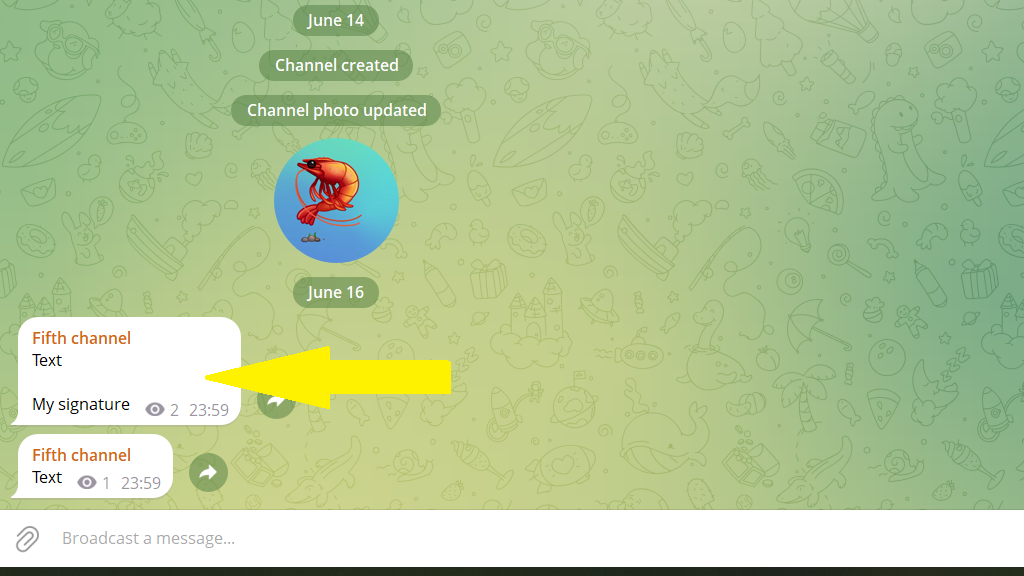
In the end, the post is published with a signature:
Adding a signature automatically
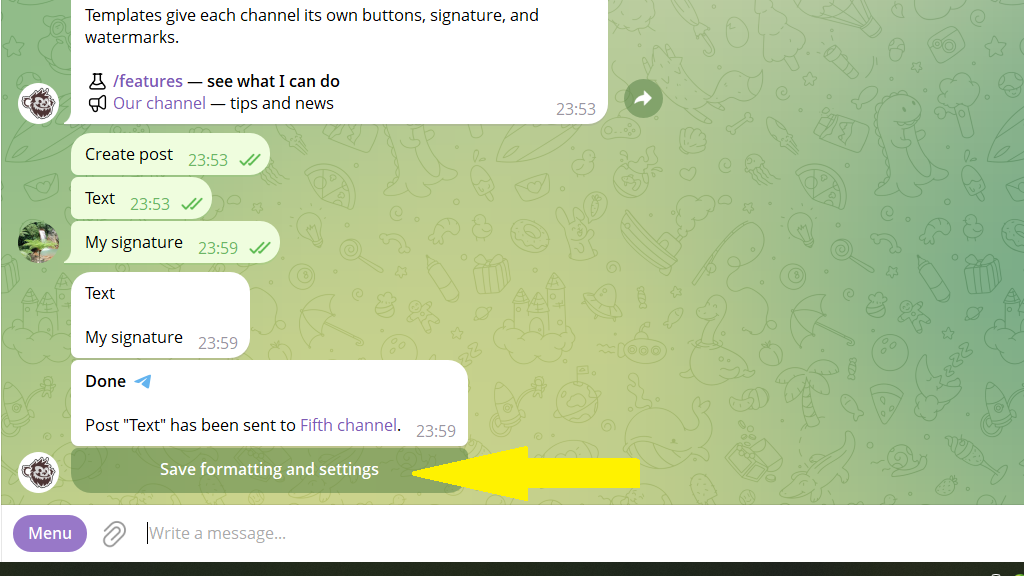
To have the same signature added automatically to every post in your channel, publish or schedule a post with the signature you want and tap Save formatting and settings.
Another way: add the signature in Settings → choose a channel → Posts → Signature. Then tap Save.
How to embed a link in the signature
- Select the signature text in the input field.
- Open the formatting menu and choose the
Create linkoption.
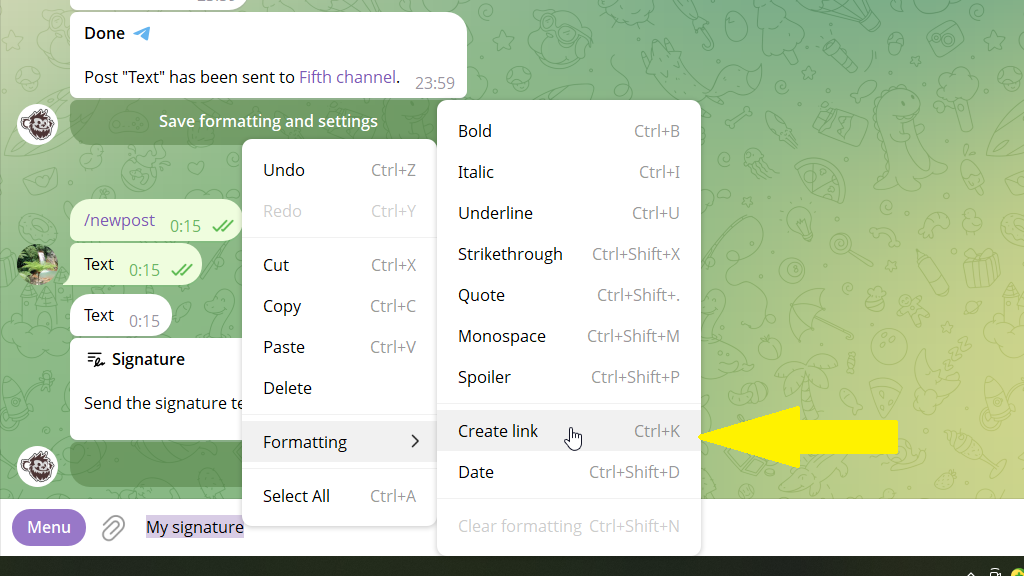
In the end, the signature under your posts will be a link.