A watermark protects your content from theft and redistribution. Even if your photo or video is copied, your brand stays on it as a watermark, and the new audience knows who the author is. You can add a watermark to every photo in an album, as well as to videos up to 20 megabytes.
How to add a watermark to a photo or video
1. Open the post editor and send the bot a media file.
2. Tap Watermark.

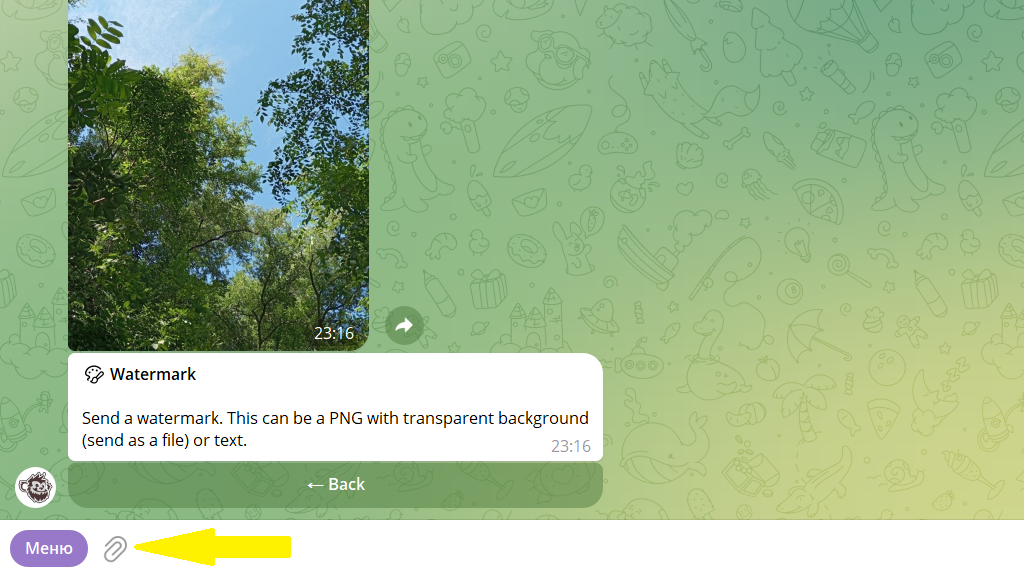
3. Send a watermark image using the paperclip icon.
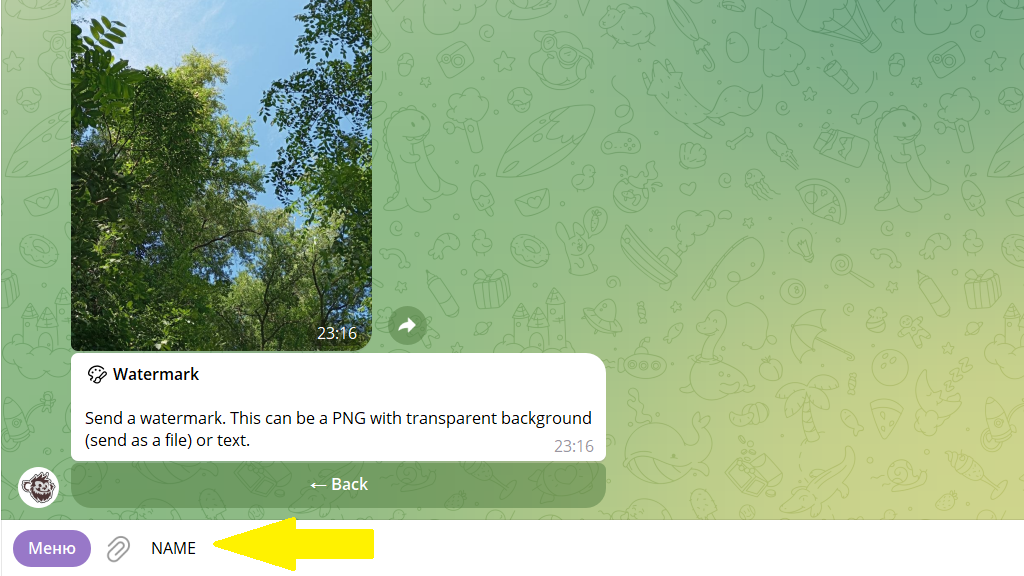
Or enter the watermark as text:
4. The bot offers to set the watermark's options — position, size, opacity. Set the ones you need.
5. Publish or schedule the post.
Favorites
You can save a watermark to Favorites to apply it in a single tap next time. To do this, add any reaction to the message below the media file and give the watermark a name.
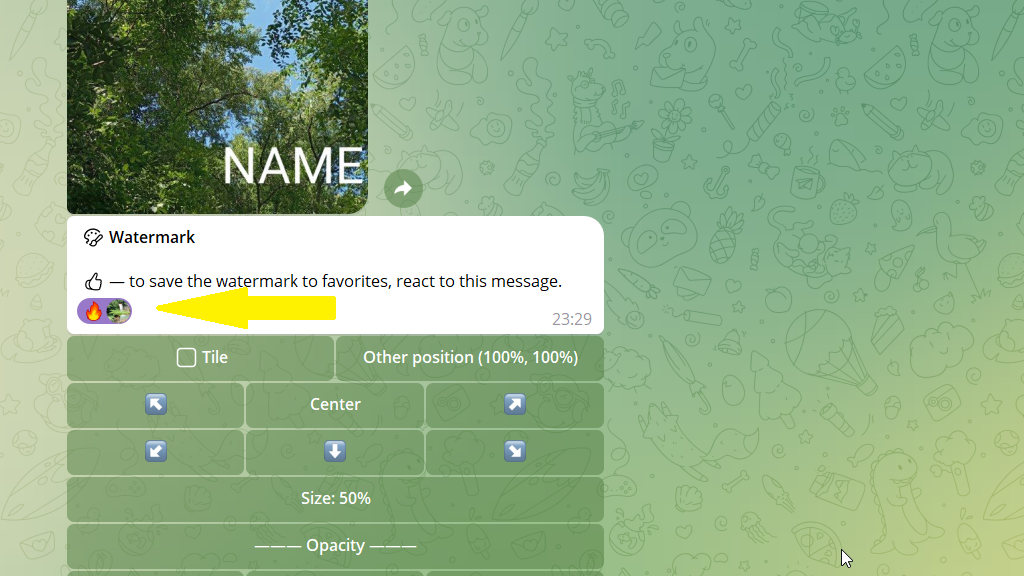
Next time, just tap the watermark's name and it will be added with all its settings.