
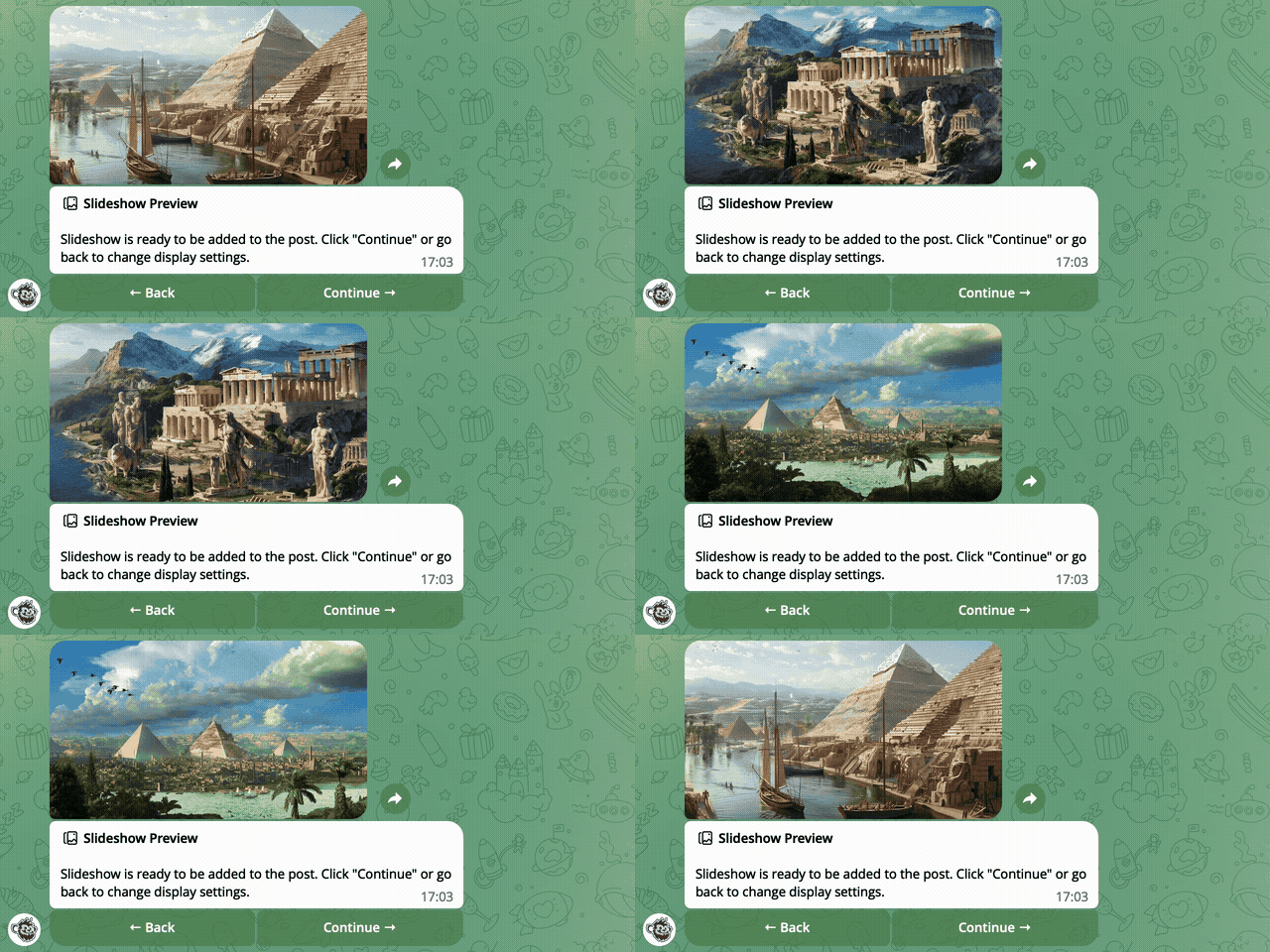
A slideshow turns an album of photos into a short animation. The photos transition smoothly into one another, so the post looks like a compact presentation.
It's a handy way to show a product, an interior, an event, or anything else from different angles without overloading the post with lots of separate images.
How to create a post with a slideshow
1. Open the post editor.
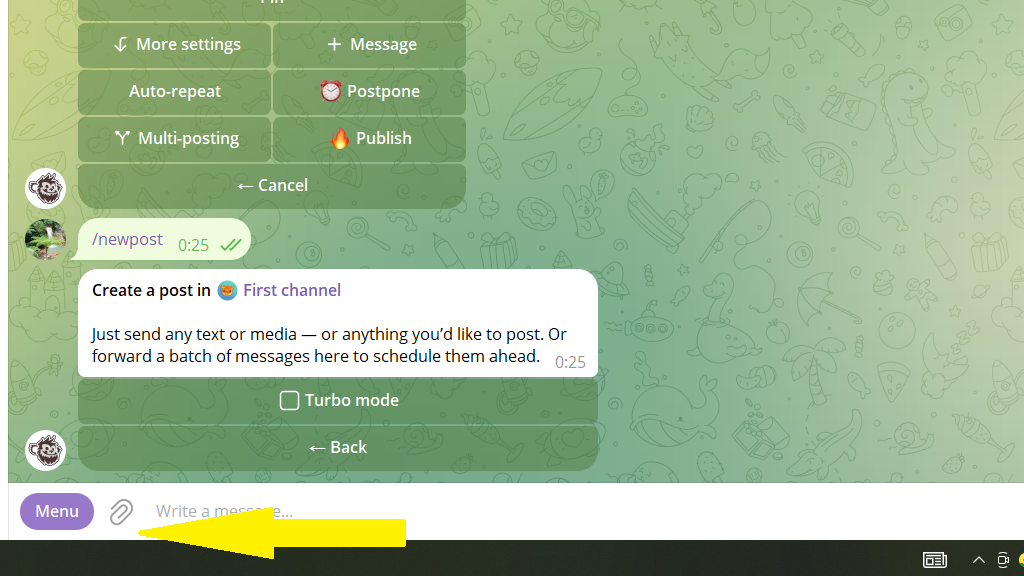
2. Send the bot an album of photos using the paperclip icon.
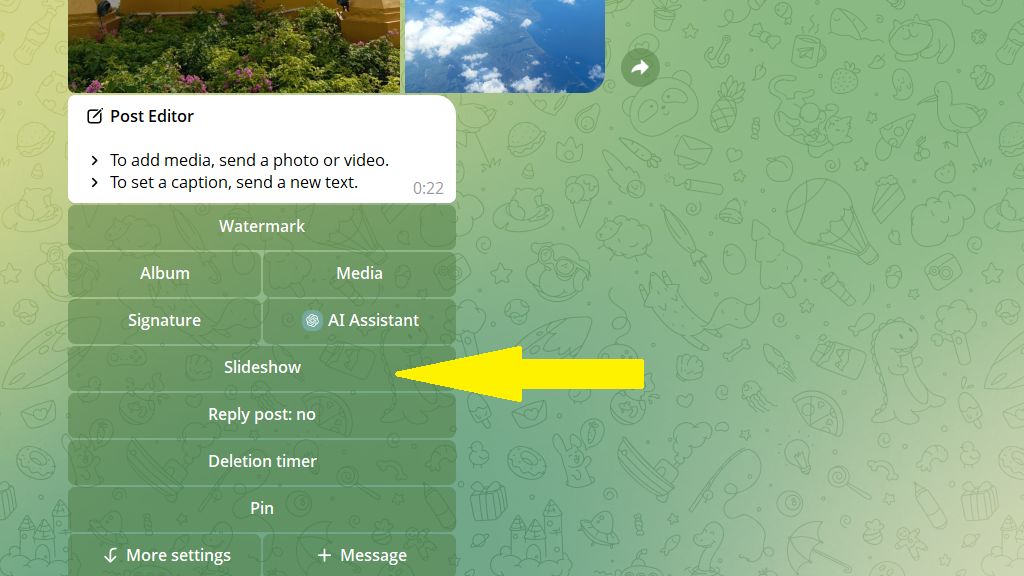
3. Tap Slideshow.
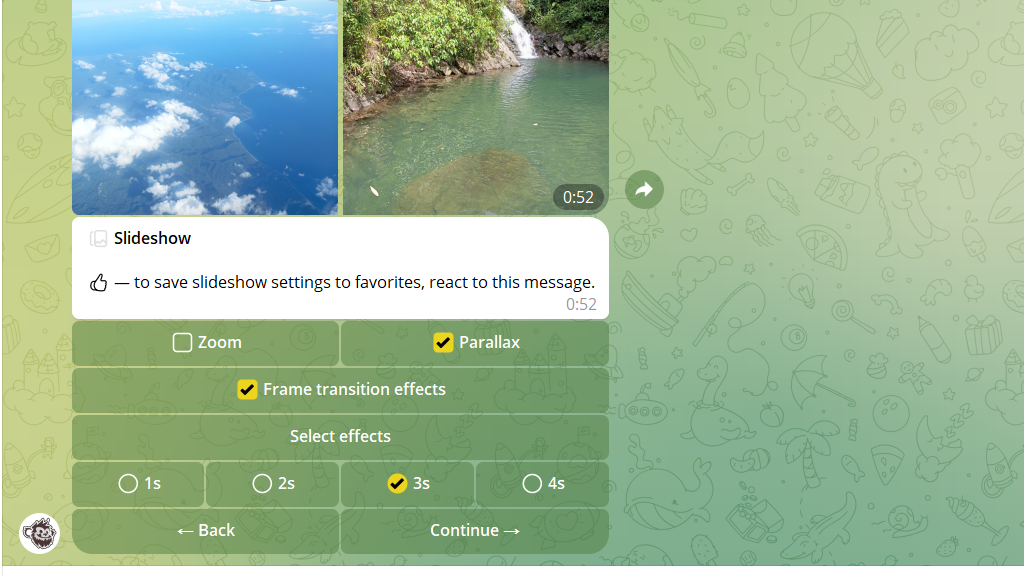
4. Set up various effects, such as image zoom and transitions between images.
5. Tap Continue, then publish or schedule the post.
