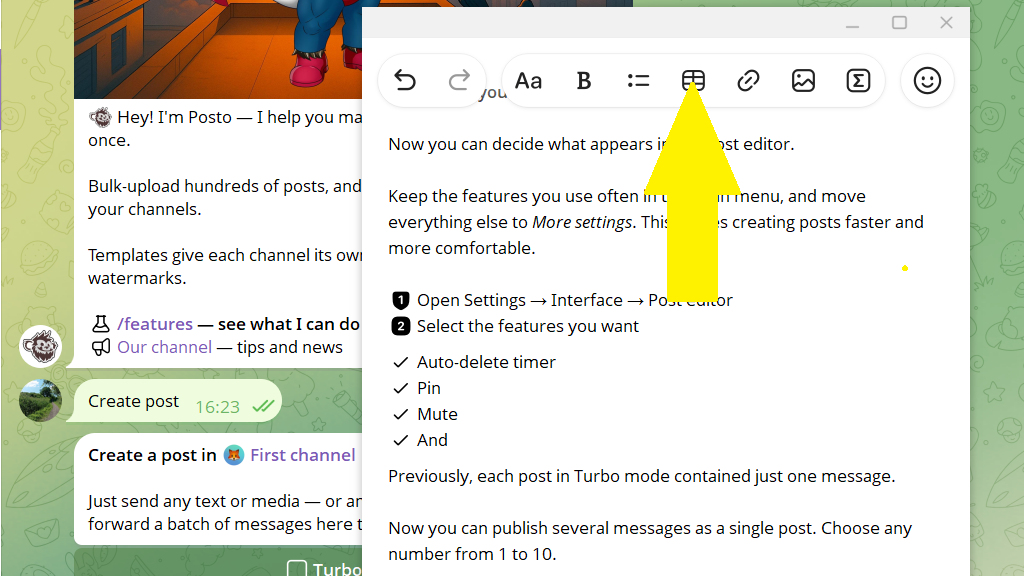
An article, or Rich Message, lets you create posts with advanced formatting and place media directly within the text. You can insert photos and videos between paragraphs and add headings, lists, tables, quotes, and other elements.
Articles let you give publications a style unique to your channel instead of being limited to the standard “text + media” format. They work well for regular posts, guides, reviews, documentation, business reports, and long reads.
Publishing an article (Rich Message) requires a Telegram Premium subscription.
Article (Rich Message) features
- Up to 32,768 characters of text
- Advanced text formatting
- Up to 50 media files within the text, including photos, videos, and audio
- Media placed between paragraphs
- Headings, lists, tables, formulas, quotes, and other elements
- AI-assisted writing and editing
How to create an article (Rich Message)
1. Open the post editor.
2. Tap the paperclip icon.
3. Select Article from the menu.
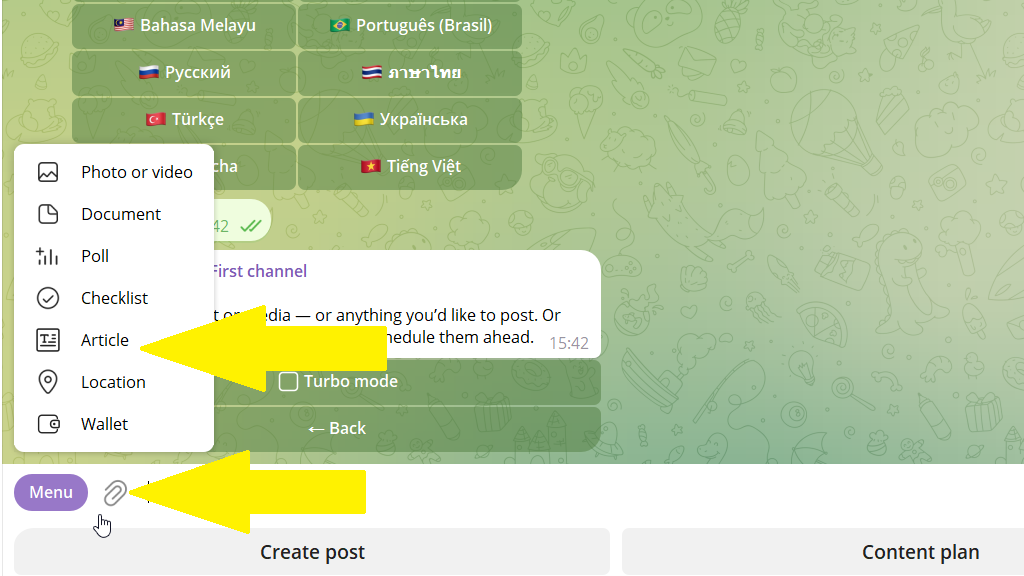
4. Write the article or paste it from the clipboard.
5. Format the article using the tools at the top of the editor.
6. Send the finished article to the bot.
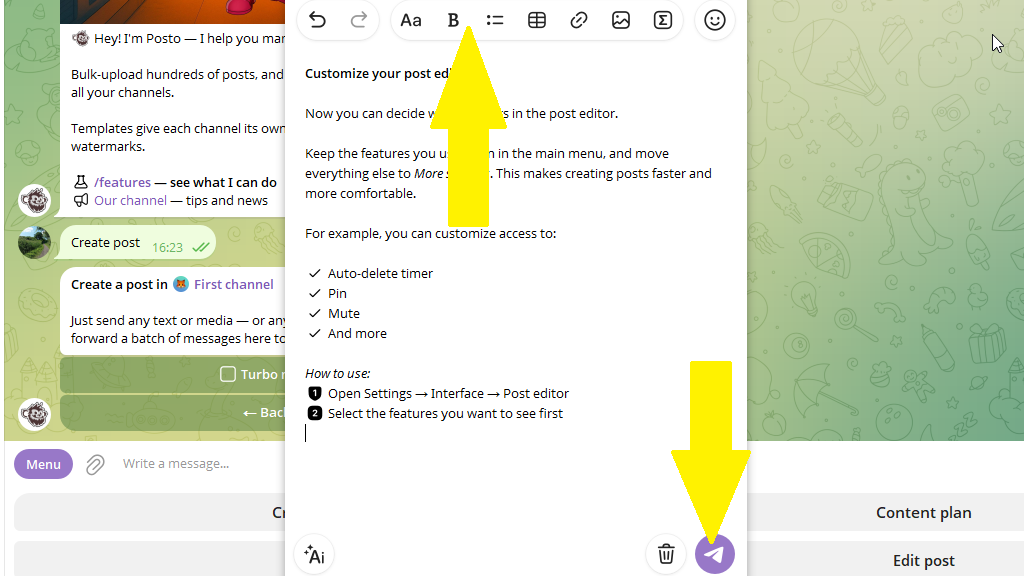
7. If needed, adjust publishing options such as the signature or deletion timer. Then publish the article immediately or schedule it for the required time.
How to format an article (Rich Message)
To use AI, tap the corresponding icon and enter your request.
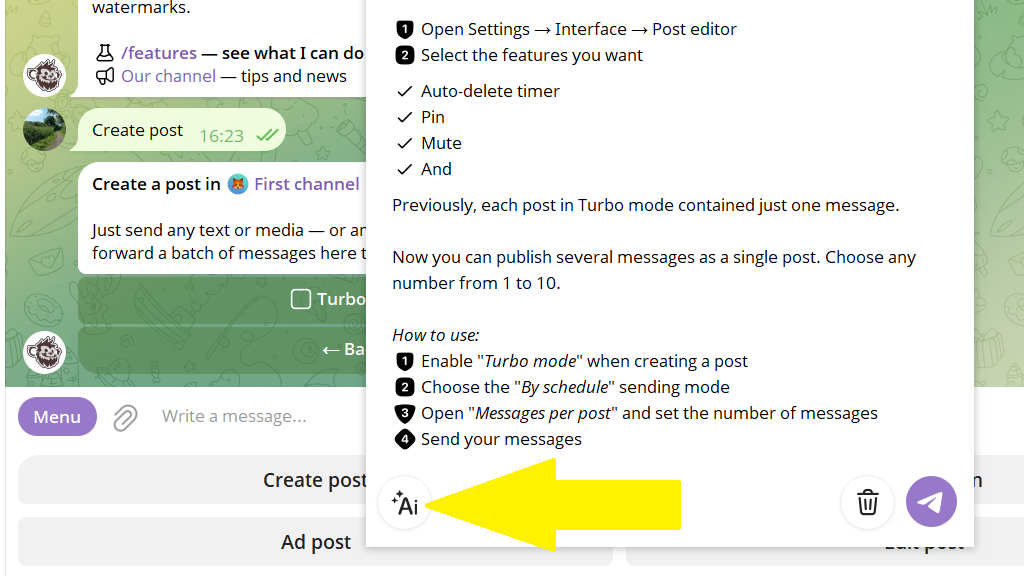
To add a list, tap the list icon. You can create a bulleted list, numbered list, or checklist.
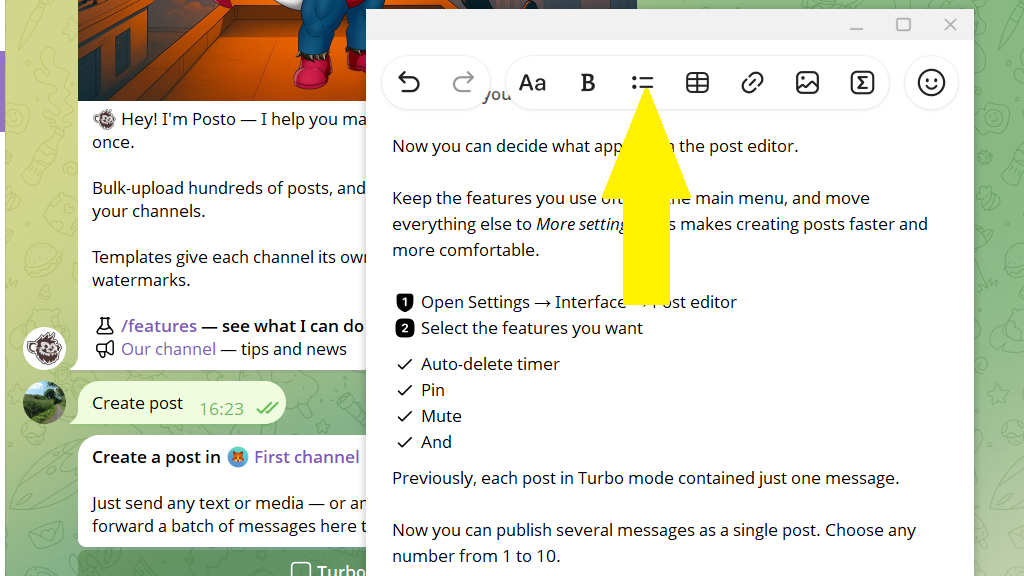
To add a table, tap the table icon. You can add or remove rows and columns and align their contents.