
The bot offers two sets of slots — the ones it remembers automatically and the ones preset in a schedule.
The automatically remembered slots appear when you tap Postpone. This set includes all the publication times you've sent the bot by hand.
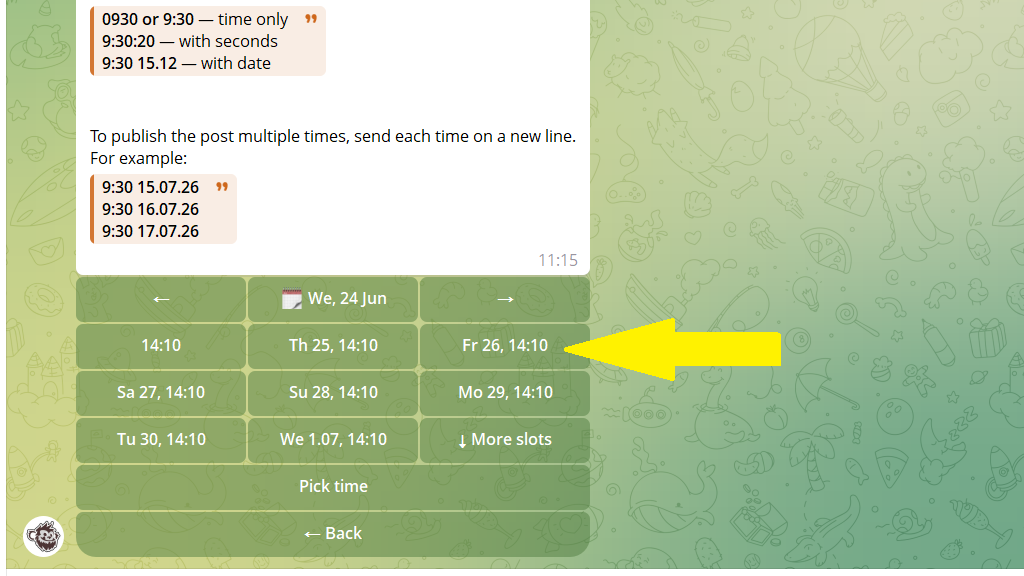
The schedule slots appear if you've created a schedule for the channel in advance in Settings. This option lets you control your publication times precisely.
A schedule comes in handy:
- When you publish at different frequencies during the week. Each day runs on its own timetable. For example, on weekdays posts go out every hour from 10:00 to 21:00, and on weekends only in the morning and evening.
- For precise control over when material goes out. The schedule has only the hours you need — 10:00, 14:00, 18:00. A random time like 10:43 or 15:27 won't make it into the schedule.
- When you have themed categories. Each category goes out at its own time: news at 9:00, market review at 15:00, weather forecast at 20:00. You can create separate schedules for different categories.
- When you publish content in bulk. Upload 20 product cards and tap "Distribute by schedule" — the bot will place them in the free time slots.
How to set up a schedule for regular posts
- Tap
Settingsin the bottom menu or send/settings. - Choose the channel you want to create a schedule for.
- Tap
Schedule. - Set the times for posts to go out:
If the schedule is the same every day, just send the time (for example, 15:00).
If it differs, tap By days of the week → choose a day → send the time.
How to change an existing schedule
You can change the schedule right while creating a post. To do this, tap Postpone → More slots → Slots.
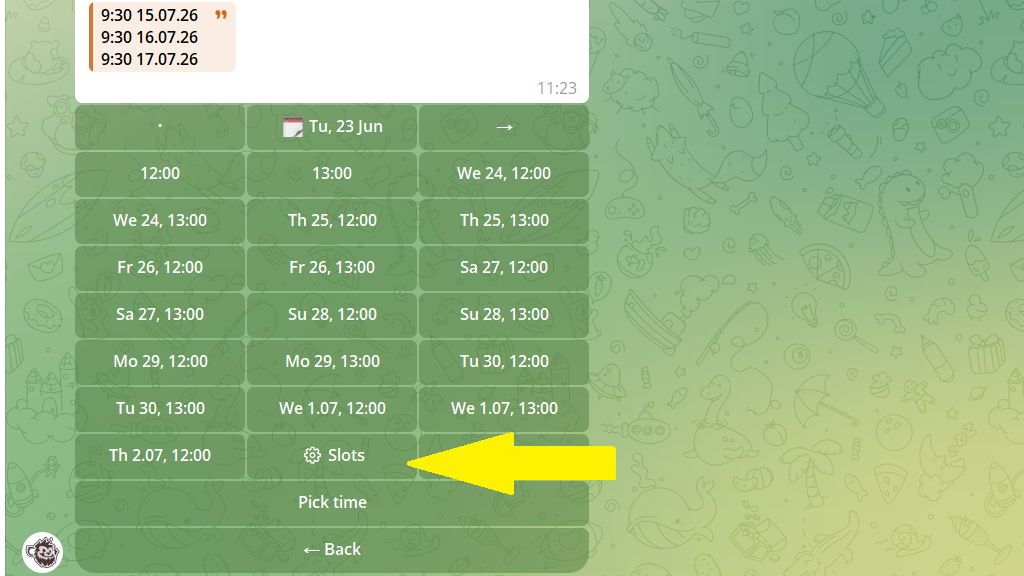
The bot offers options:
- Add new slots — expand the current schedule.
- Transfer slots — copy times from other schedules set up for this channel.
- Delete slots — remove time windows you no longer need.
An overview of the channel's schedule
To see the channel's full schedule — ad slots, regular posts, and categories:
- Open
Settings. - Choose the channel you need.
- Tap
Schedule.
Here all the slots are shown, and you can see when ad posts and categories go out.
