
If you copy the same post to several channels, you can automatically replace its link for each channel. To do this, create a template and add a text auto-replacement rule.
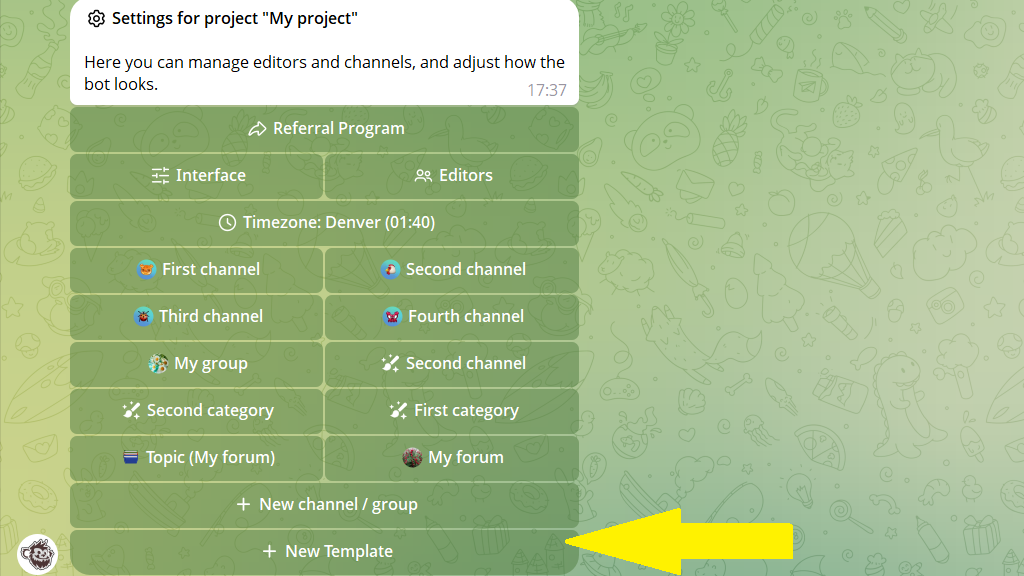
Tap
Settingsin the bottom menu or send/settings.Tap
New Templateand select the main channel for the post.
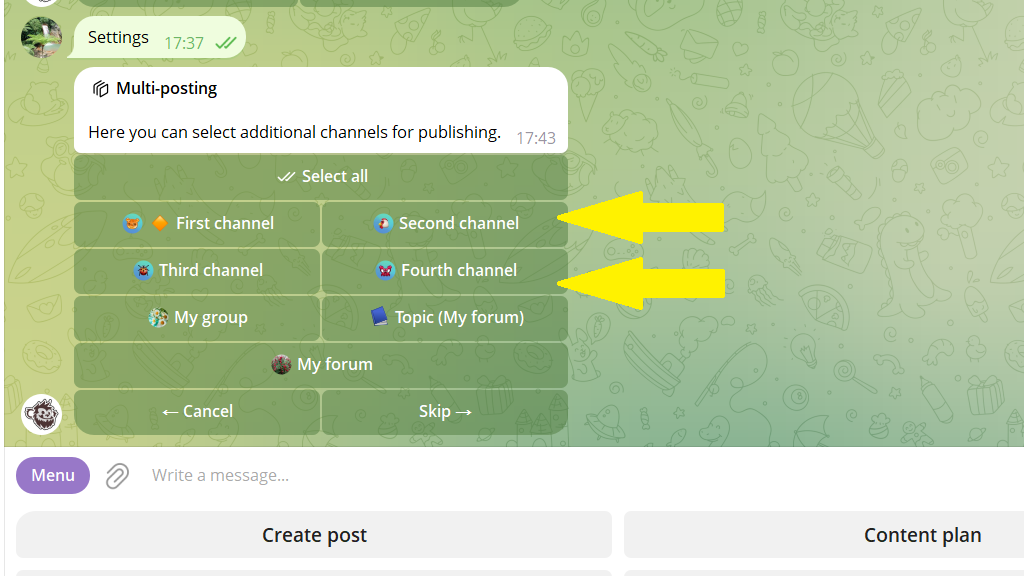
- Select the channels where you want to copy the post.
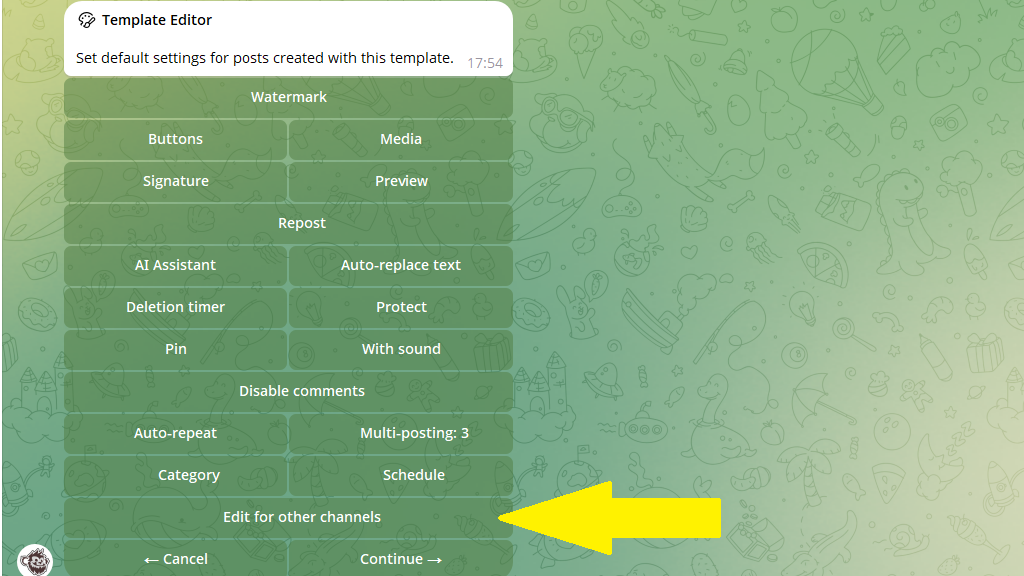
- Now add a replacement rule for each channel. Tap
Edit for other channelsto open the settings for the first additional channel.
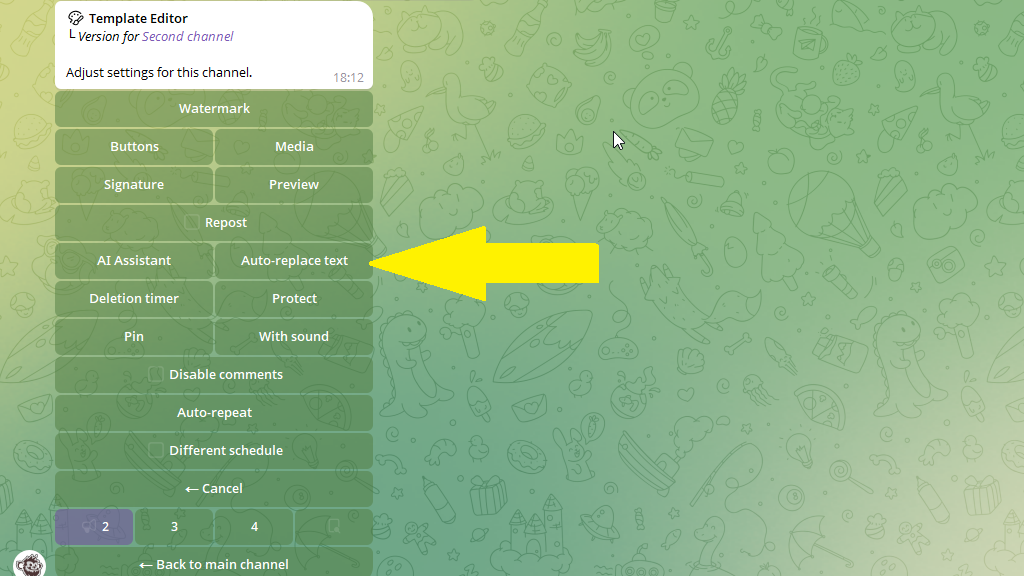
- In that channel's settings, tap
Auto-replace text.
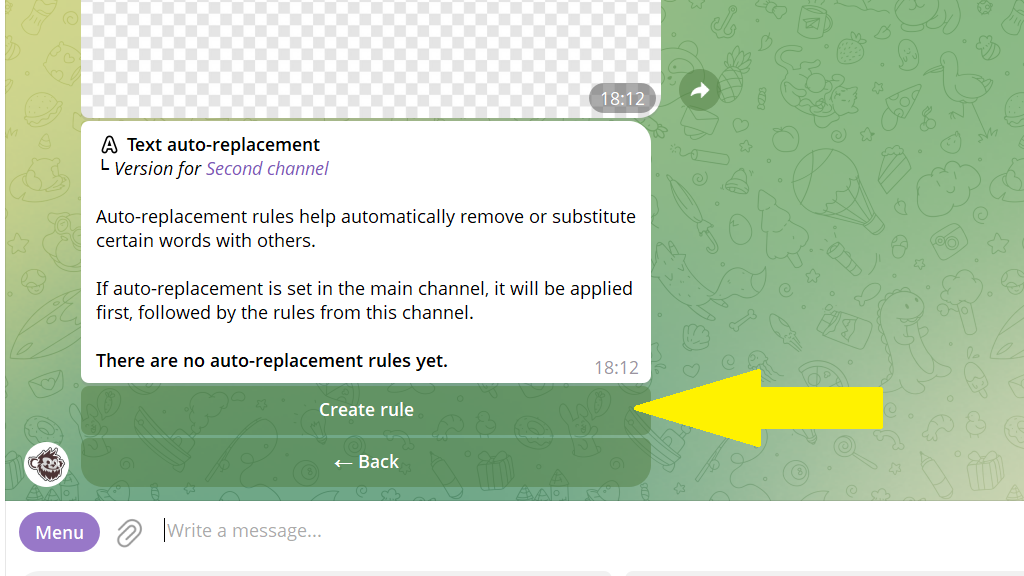
- Tap
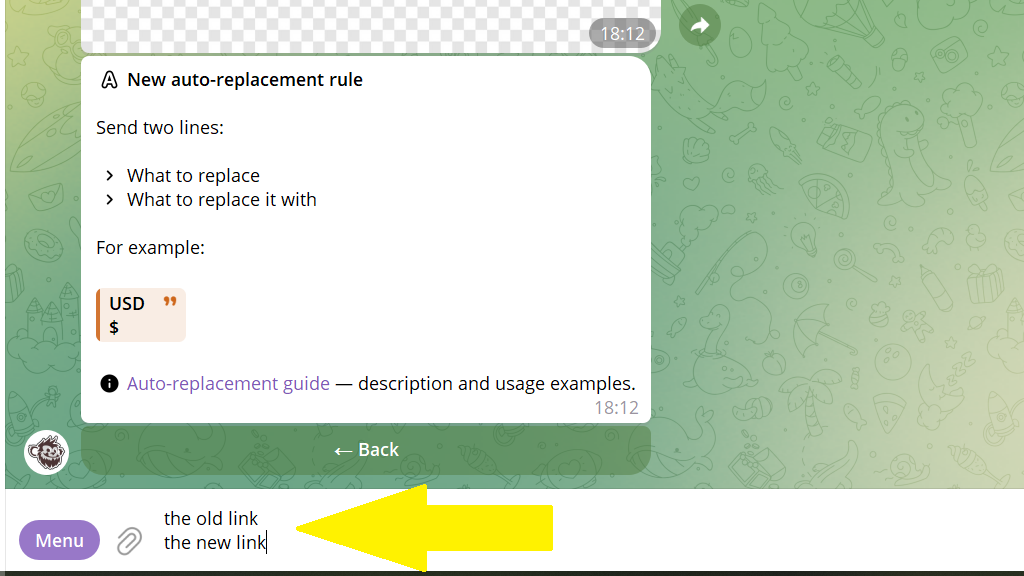
Create rule, then send the bot two lines:
First line — the link used in the main channel
Second line — the link to use in this channel
Learn more: How to set up text auto-replacement
- Tap
Back. Use the channel switcher at the bottom to open the next channel, then add its replacement rule in the same way.
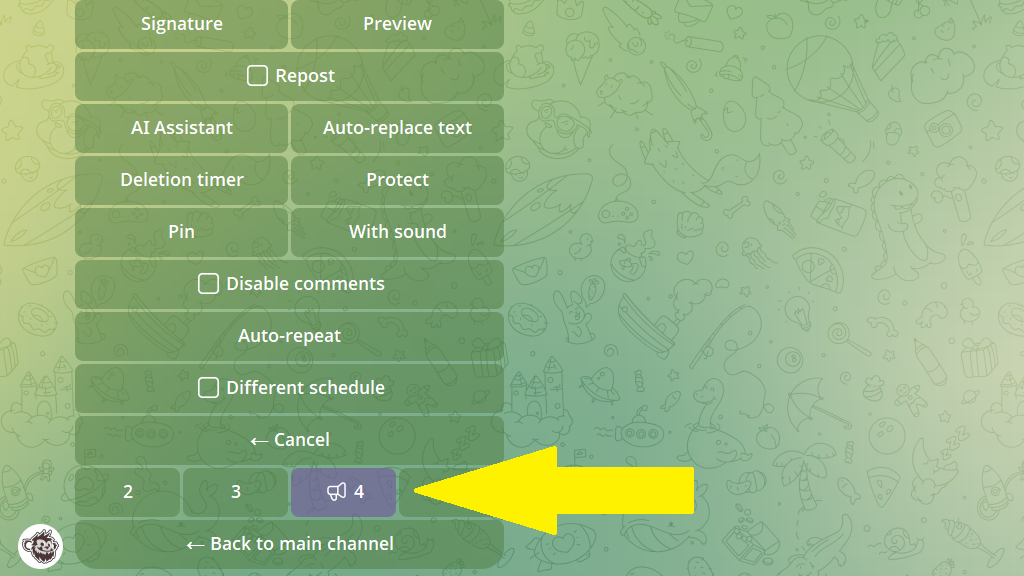
- After setting up every channel, tap
Back to main channeland save the template.
Publish posts with different links
- Tap
Create post. - Select the template with auto-replacement from the list of channels, groups, and templates.
- Send the content for the main channel.
Posto applies the copy settings and replaces the links automatically. You only need to schedule or publish the post.
