
When you place an ad, you guarantee how long the post stays last in the feed (at the top). If a new post pushes the ad down too early, you break the agreement and the client will have complaints.
To avoid problems with advertisers, set up the time at the top. The bot will make sure ad posts stay last in the feed.
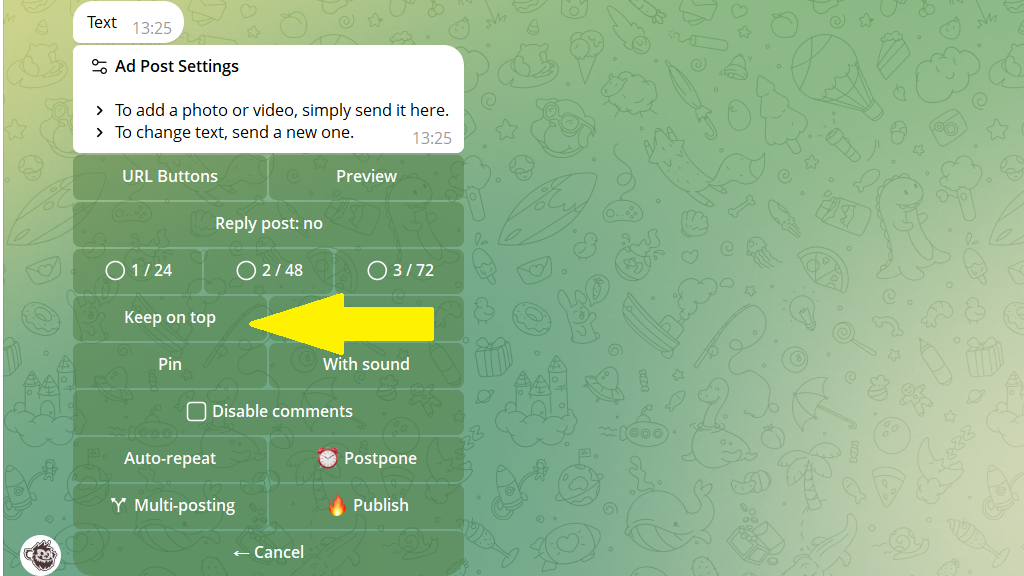
To do this, when creating an ad post:
- Tap
Keep on Top. - Set the period you need.
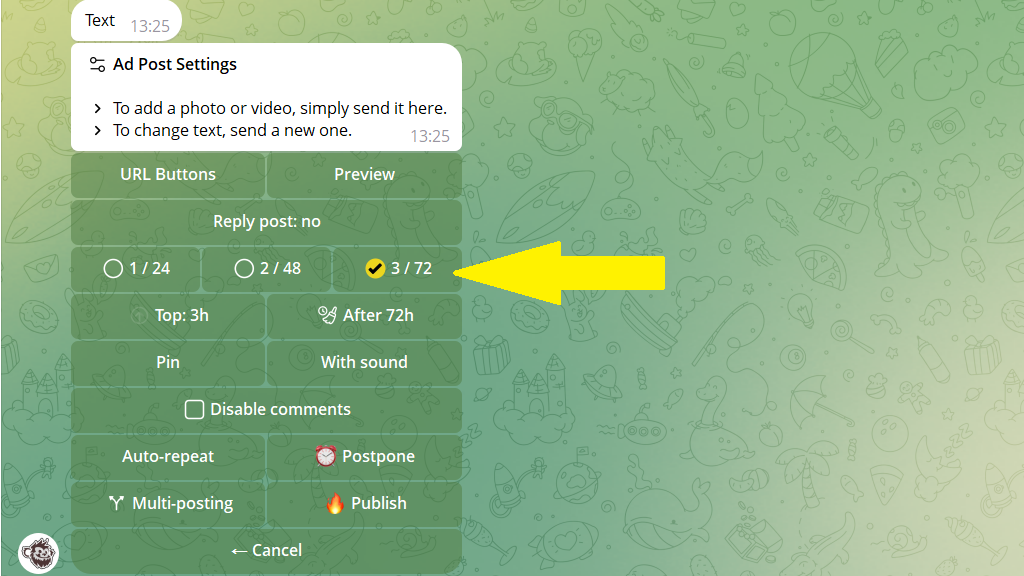
Note: you can set both the time at the top and the auto-delete timer in a single tap. Use the ad-format buttons to do this: 1/24, 2/48, 3/72.
The first number is the number of hours at the top, the second is how many hours later the post is deleted from the channel.
Advanced time-at-the-top settings
When you set a time at the top, the bot simply cancels posts that might get in the ad's way. But you can set up smarter behavior — shifting posts scheduled in the content plan to a time after the ad ends. To do this:
- Send the
/keepontopcommand. - Turn on the
Delay regular postscheckbox.
