
Auto-replacement is a feature for swapping some pieces of text for others. For example, you have an old jokes channel that you want to revive in a new format. Every post is signed "Subscribe to @old_channel". You want to reuse the content with a new signature: "More humor in @new_channel". Edit hundreds of posts by hand? That's hours of work. With auto-replacement, it's one setup for all the posts.
Set up a template with auto-replacements
- Tap
Settingsin the bottom menu or send the/settingscommand. - Tap
New templateand specify the channel to publish to. - Tap
Auto-replace text.
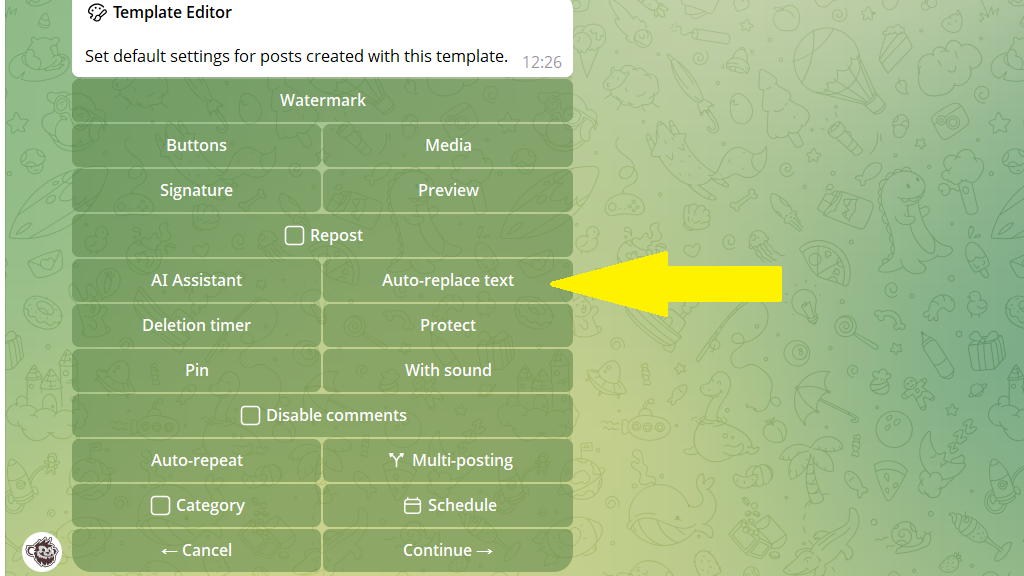
4. Tap Create rule and send the bot two lines:
The first line — the text to replace
The second line — the new text
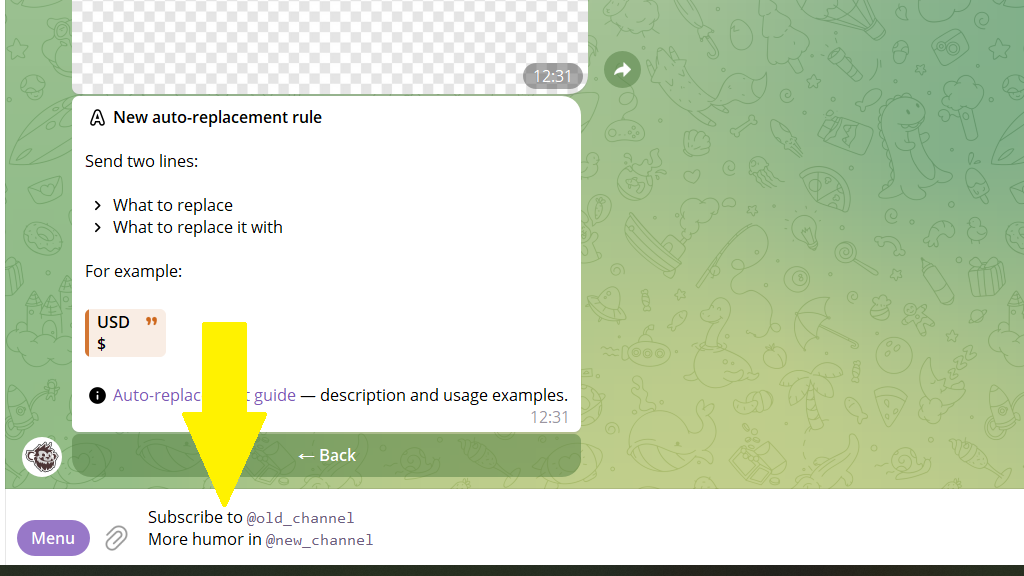
To remove a signature or other fragments of text, send the bot one line:
Text to remove
You can create several rules for different replacements within one template.
5. Tap Save and give the template a name.
Publishing posts with auto-replacements
Standard mode:
- In the post editor, choose the template with auto-replacement.
- Send the bot your content — the text will be edited automatically according to your rules.
What you can replace: signatures, links, individual words.
Turbo mode (for bulk uploads):
Create post→ choose the template with auto-replacement.- Turn on the
Turbo modecheckbox. - Forward the bot a batch of posts from the old channel.
The bot will then make the replacements automatically and schedule the posts. Without a single extra click.
