
Imagine you scheduled posts a month ahead and suddenly realized the timezone was wrong. Adjusting each post by hand? That's like resetting the hands on a hundred clocks one by one.
There's an easy solution:
- Tap
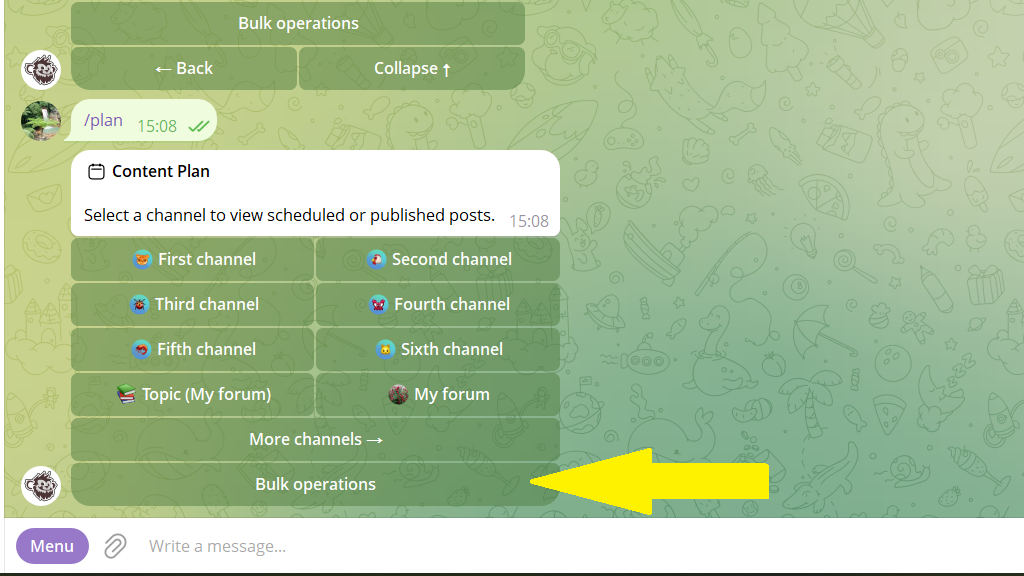
Content planin the bottom menu or send the/plancommand. - Tap
Bulk operations→Shift publication time.
Send the bot the time shift in this format:
+1h — shift an hour forward
-30m — shift 30 minutes back
That's it! All your scheduled posts will now go out at the new time.
