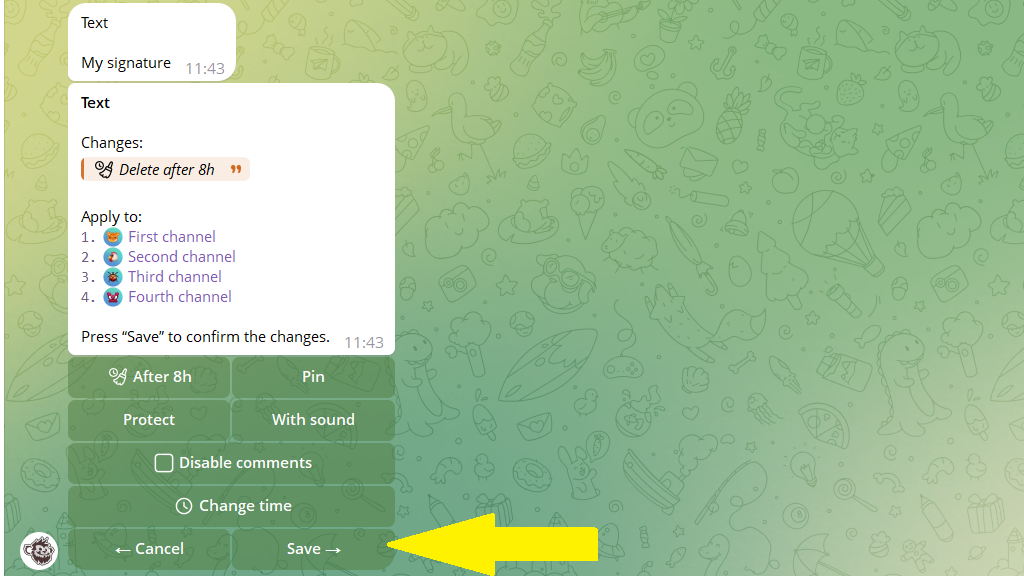
If you used Multi-posting to copy a post to several channels, you can update every copy at once. This works for the auto-delete timer, pinning, comments, silent mode, and other publishing settings.
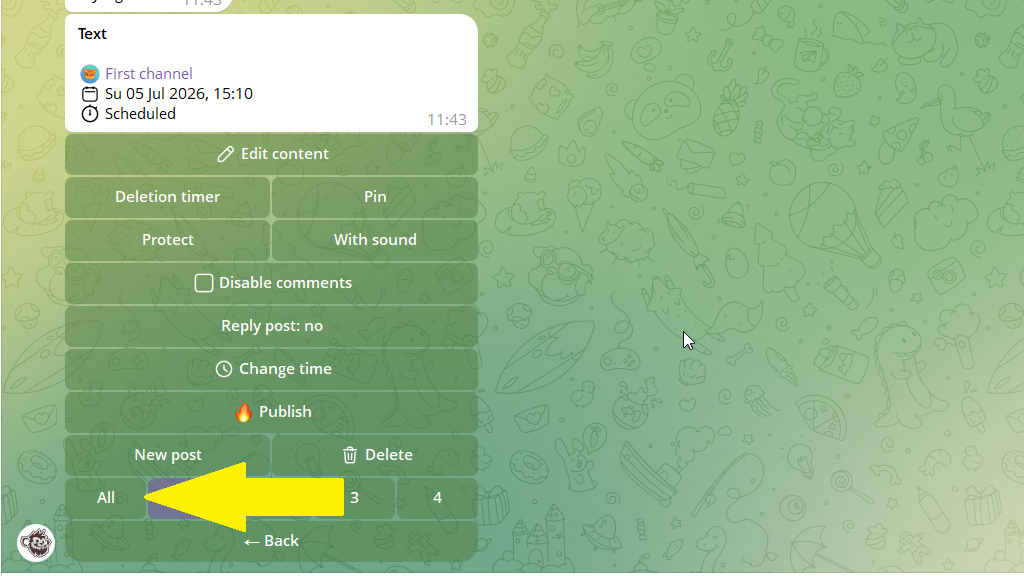
- Open the post from
Content planorEdit post. - In the channel switcher, tap
All.
- Change the publishing settings.
- Save your changes. Posto applies them to every copy of the post.