
If posts were scheduled on a separate schedule and you decide to delete them, you can do it in a few clicks:
- Tap
Content planin the bottom menu or send the/plancommand. - Go to
Bulk operations.
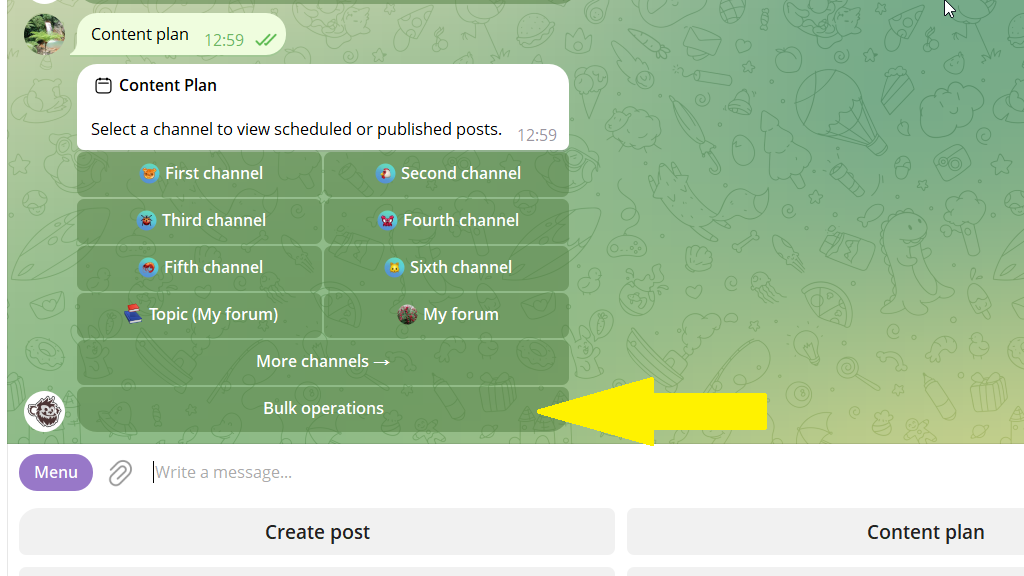
If you want to clear a specific channel's posts, select it first, then go to bulk operations.
3. Tap Clear content plan → Filter.
4. Choose the category you need from the list and confirm the operation.
Now all the category's posts are deleted. Meanwhile, regular posts and posts from other categories stay in place.
