If you decide to build a content plan from scratch, it's easier to cancel all your scheduled posts at once than to delete each one separately.
To do this:
- Open
Content planand choose the channel you need from the list. - Tap
More→Bulk operations.
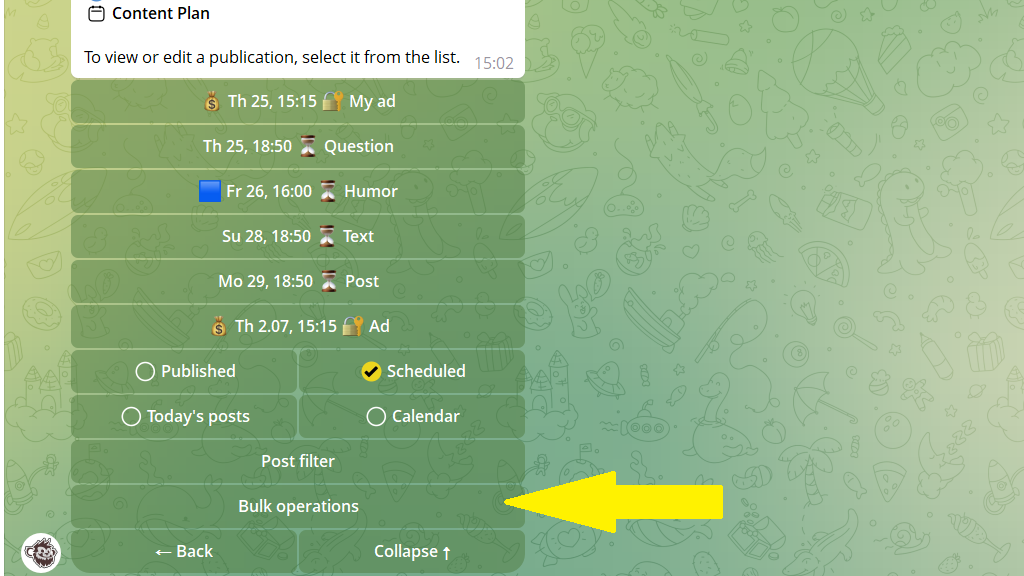
3. Tap Clear content plan and confirm the action.
Partial content-plan cleanup
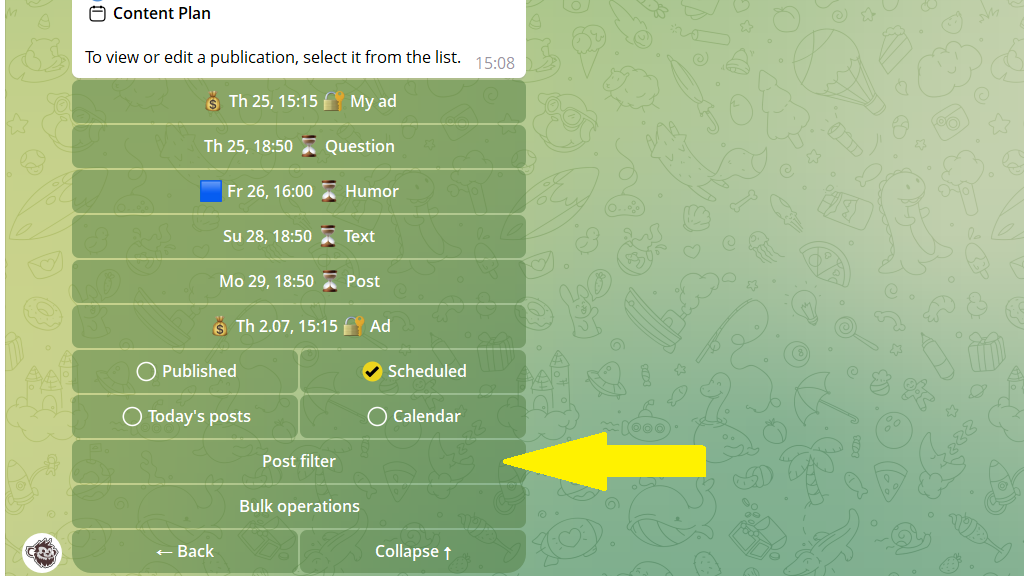
If you need to delete some posts but not all, use the filter:
- Regular posts only
- Ad posts only
- Category posts only
- With auto-repeat
- Without auto-repeat