
Imagine you copied a post to 10 channels and then found a typo. You don't have to fix the post in each channel separately — just make the change in one of them.
To do this:
- Open the post editor via the
Edit postsection orContent plan. - Make your edits to the text and save them.
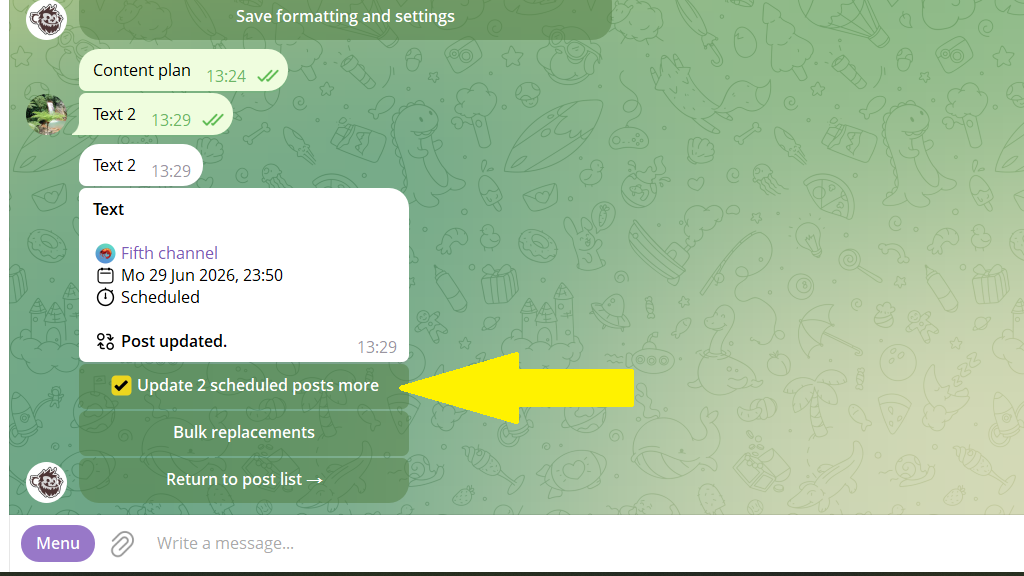
- After you save the changes, the bot shows the
Update X more postsoption. Turn on the checkbox, then tapReturn to post list.
If each channel has its own signature or other individual settings, you'll need to use the bulk-update feature.
