
A backup channel keeps a copy of your published content. Posto automatically saves every post there, so you can forward it back to the bot later and restore it with its buttons intact.
Channel signatures and watermarks aren't saved. This means you can restore the post and publish it to any other channel.
Set up a backup channel
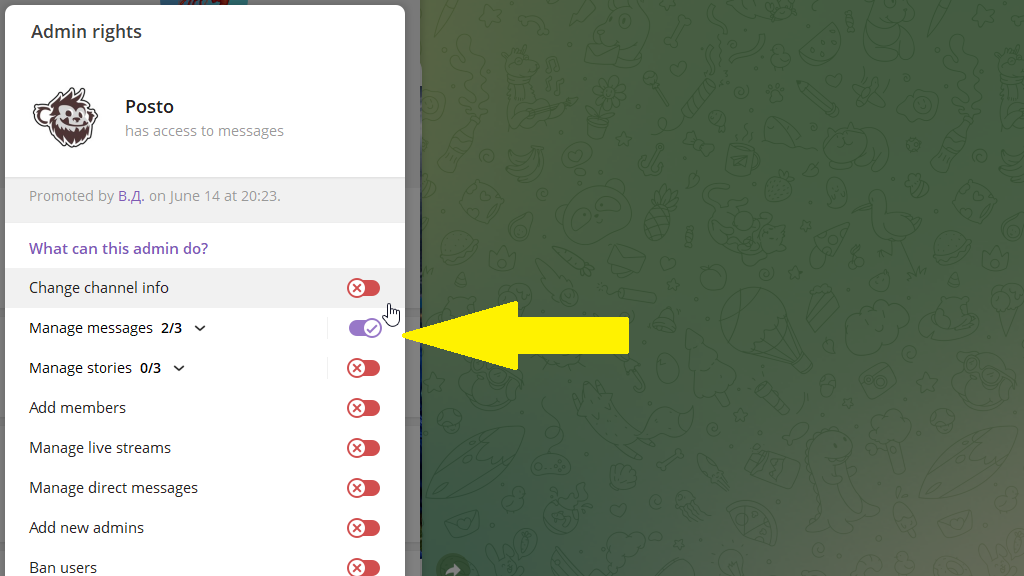
- Create a separate channel and add
@postoas an admin with permission to manage messages.
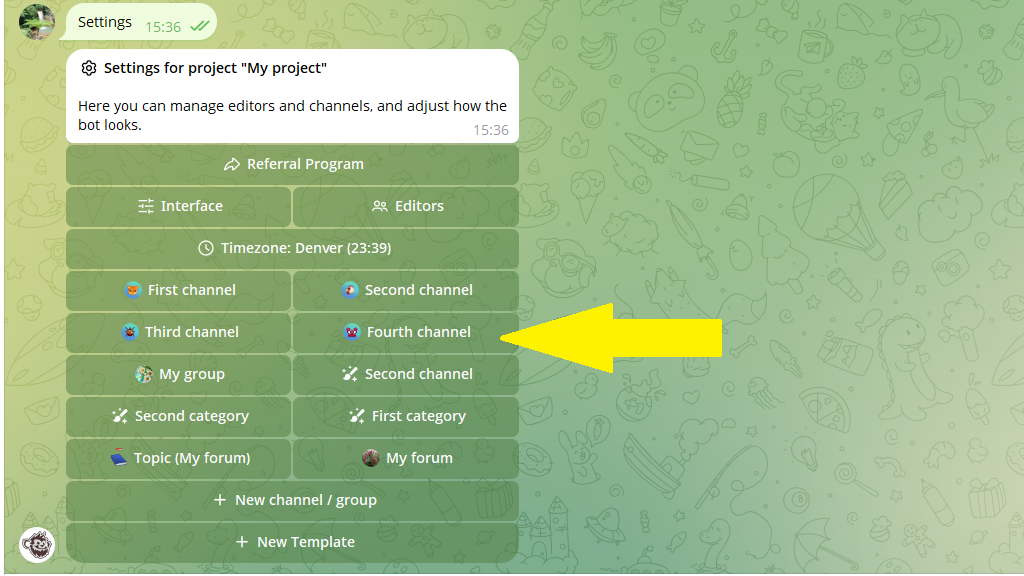
- In Posto, tap
Settingsin the bottom menu or send/settings. - Select the channel you want to back up.
- Tap
Post backup.
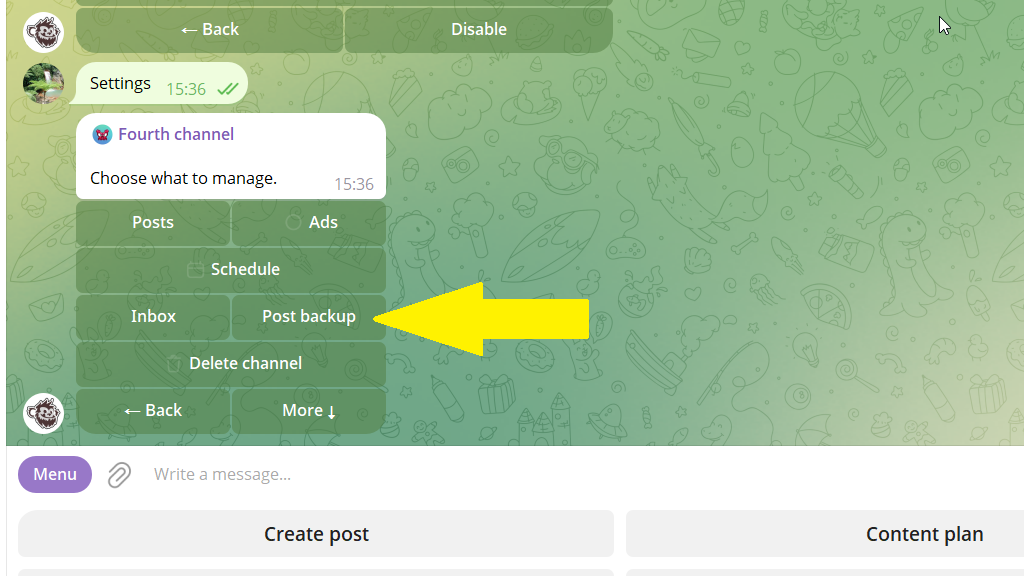
- Open the backup channel and forward any post from it to Posto.
That's it. Posto will now copy new posts from the main channel to the backup channel automatically.
